Escape Facility
Escape Facility is a third-person puzzle escape game where players escape an industrial facility by interacting with machines and the environment. Progress is made by experimenting with how machines behave, moving physical objects, and understanding how systems such as gates, elevators, and access permissions work together. Players can also switch between characters with different abilities, and many puzzles require using those abilities in combination to move forward.
Gameplay Design Abstraction
Core Gameplay Loop (System-Level)
This loop remains consistent throughout the level while increasing in complexity through new constraints and mechanics.
Observe & Plan
Observe machine behavior and environmental cues to understand system rules.
Manipulate
Manipulate objects or triggers to change machine states.
Interact
Use resulting machine interactions to create traversal or progression opportunities.
Progress
Progress by unlocking new system states, permissions, or player abilities.
Player Flow & Level Progression
The level is structured as a sequence of machine-driven puzzles that gradually introduce new system rules while reusing existing mechanics in more complex ways.
Phase 1: Establishing Machine-Driven Traversal
Early scenes teach the player that machines are predictable systems that can be used as traversal tools. The player learns timing and positioning by riding moving objects and using machine arms/conveyors to reach the next area.
Gameplay focus:
- Trigger-based machine activation
- Timing-sensitive traversal
- Player attachment to moving objects
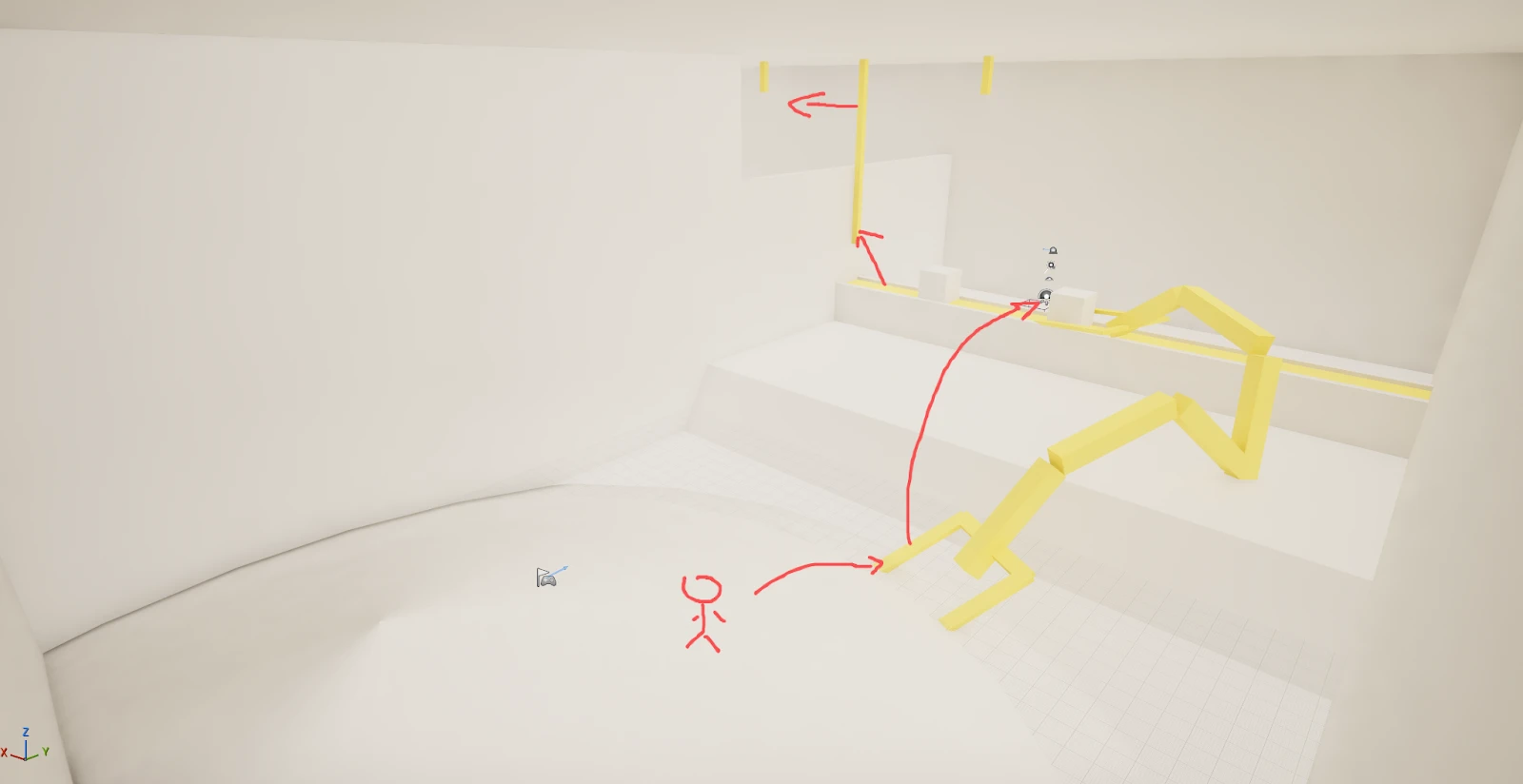
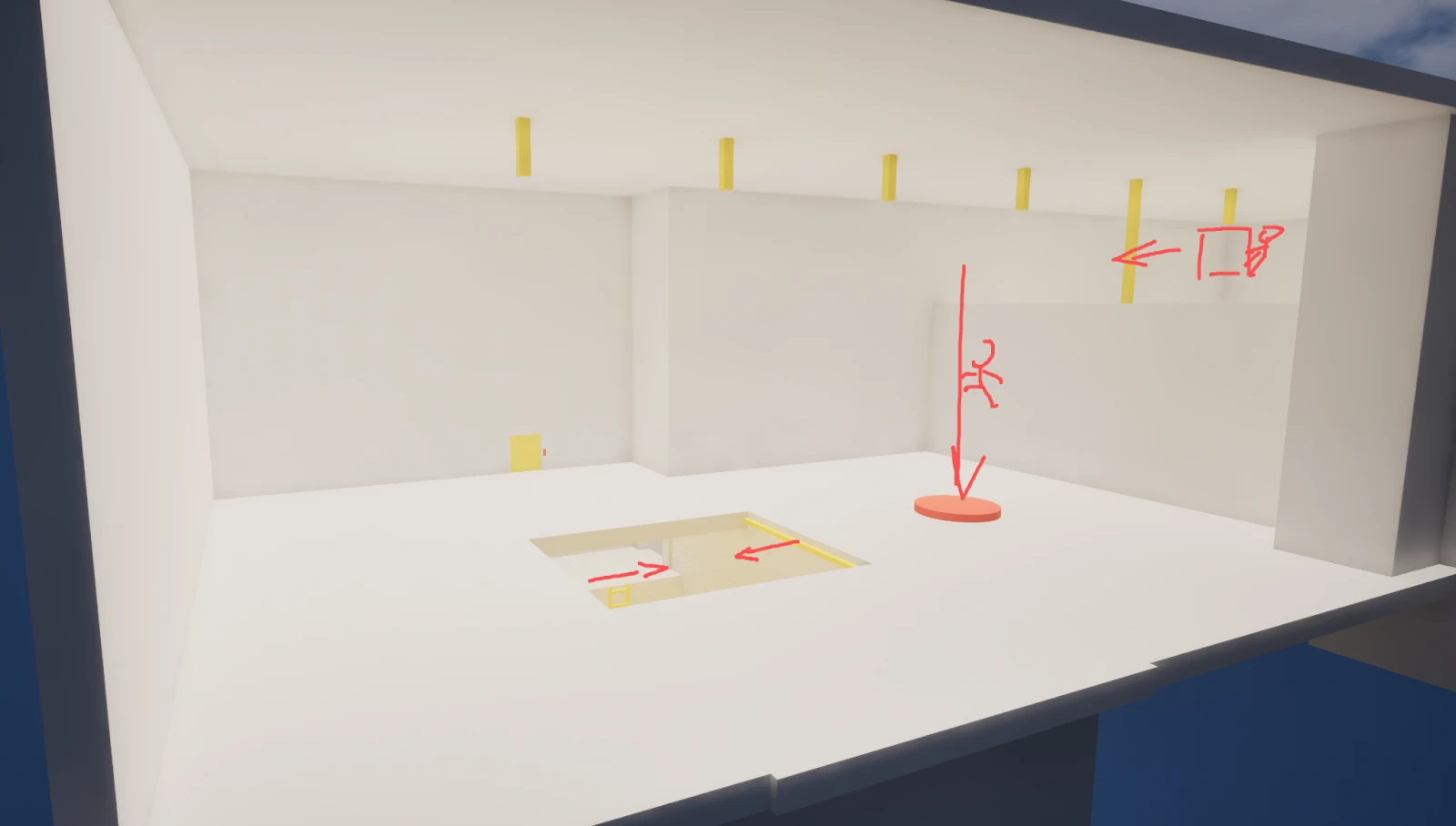
Phase 2: Cause–Effect Puzzle With Environmental Objects
The next segment introduces a "danger + solution" pattern: a lethal hazard blocks progress, and the player must change the environment state by using machine-produced objects (garbage cubes) as tools. Progression is achieved by correctly sequencing gate states and leveraging physics interactions to disable the hazard.
Gameplay focus:
- State sequencing (gate open/close)
- Physics interactions
- Feedback cues (audio)
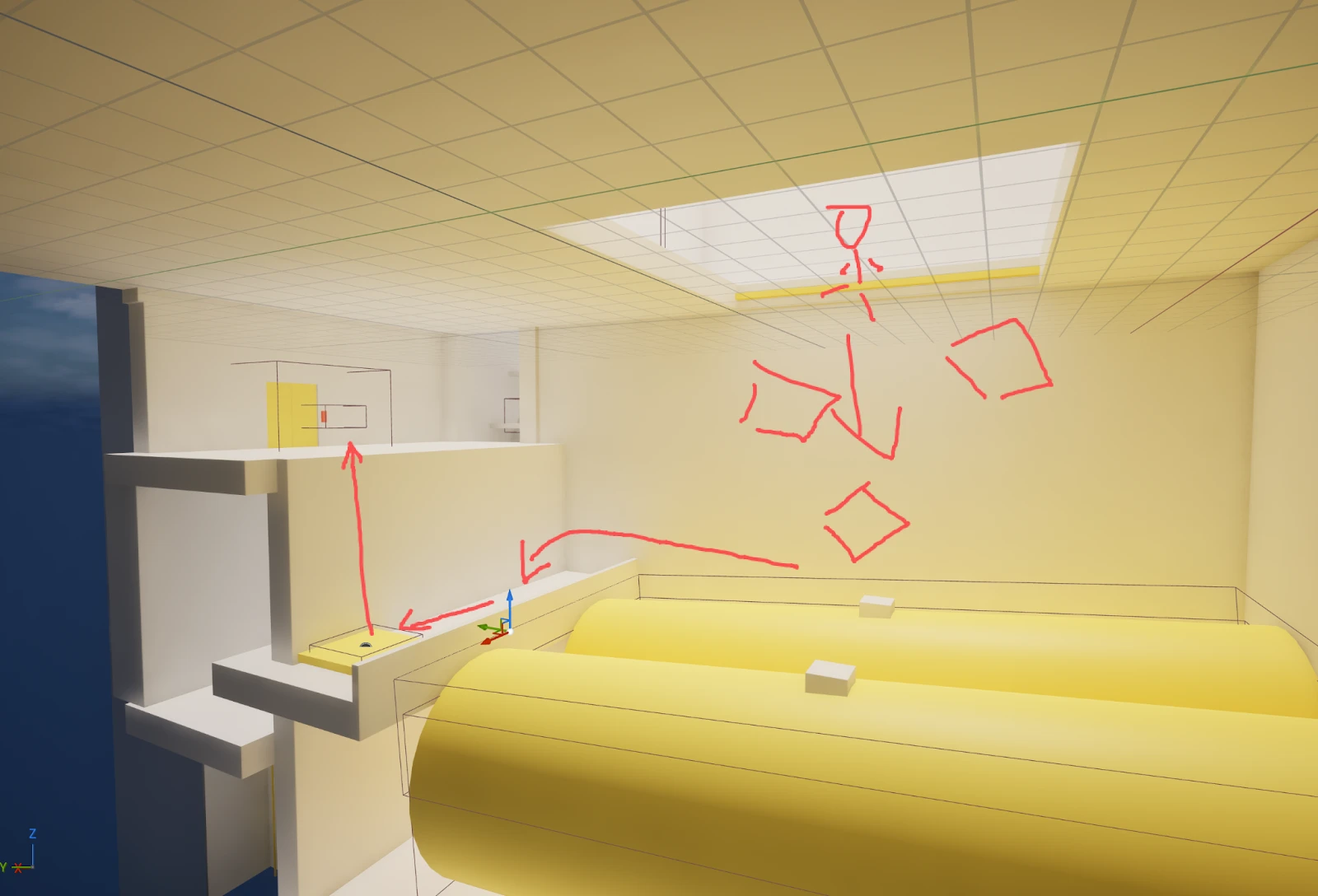
Phase 3: Gated Progression via Permissions and Multi-Pawn Control
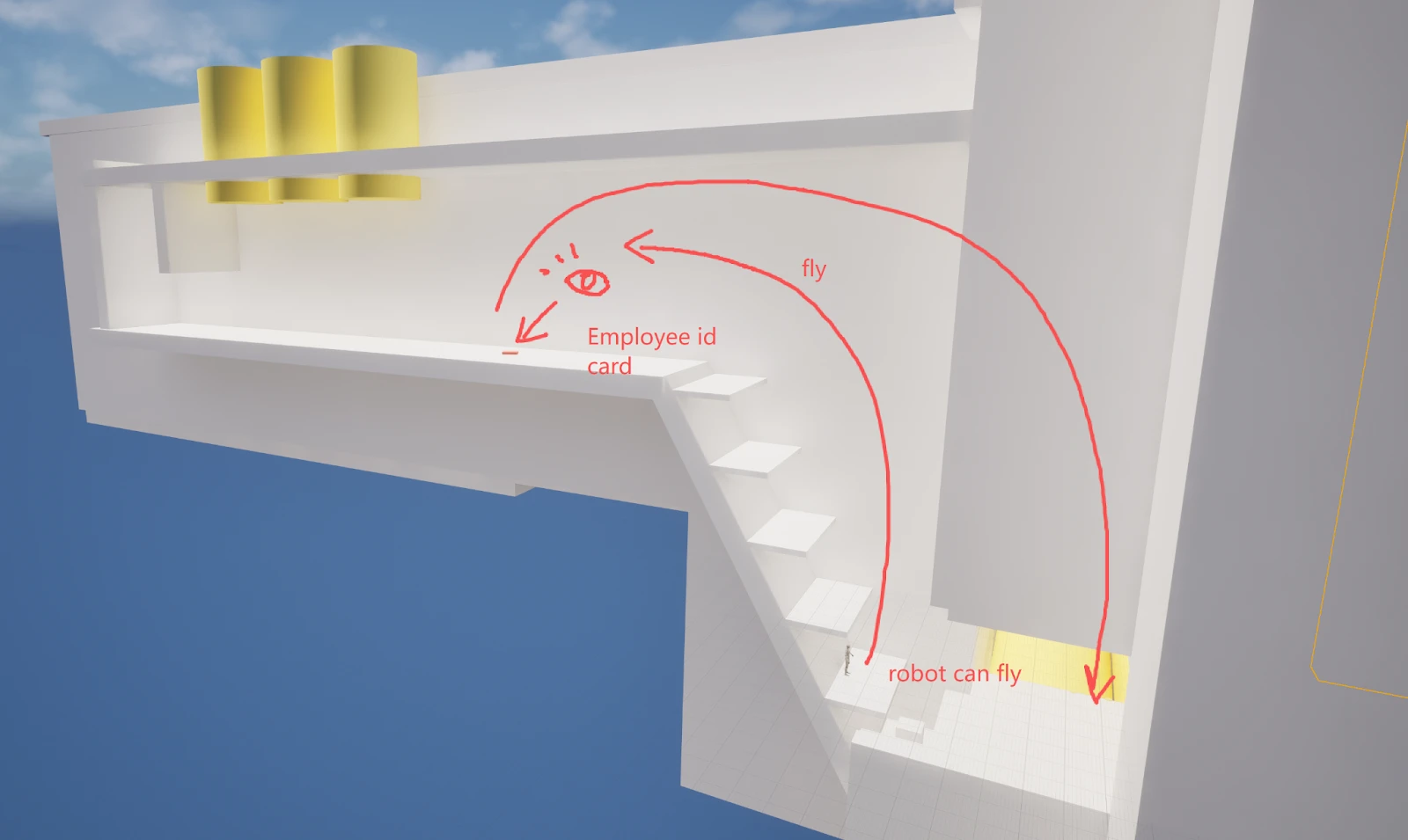
Mid-level progression introduces a persistent permission system. Elevator interaction is locked until the player retrieves an Employee ID, which requires switching control to a flying robot pawn. This expands traversal options while keeping interaction rules consistent.
Gameplay focus:
- Permission-based interaction checks
- Persistent system states
- Pawn switching with differentiated abilities
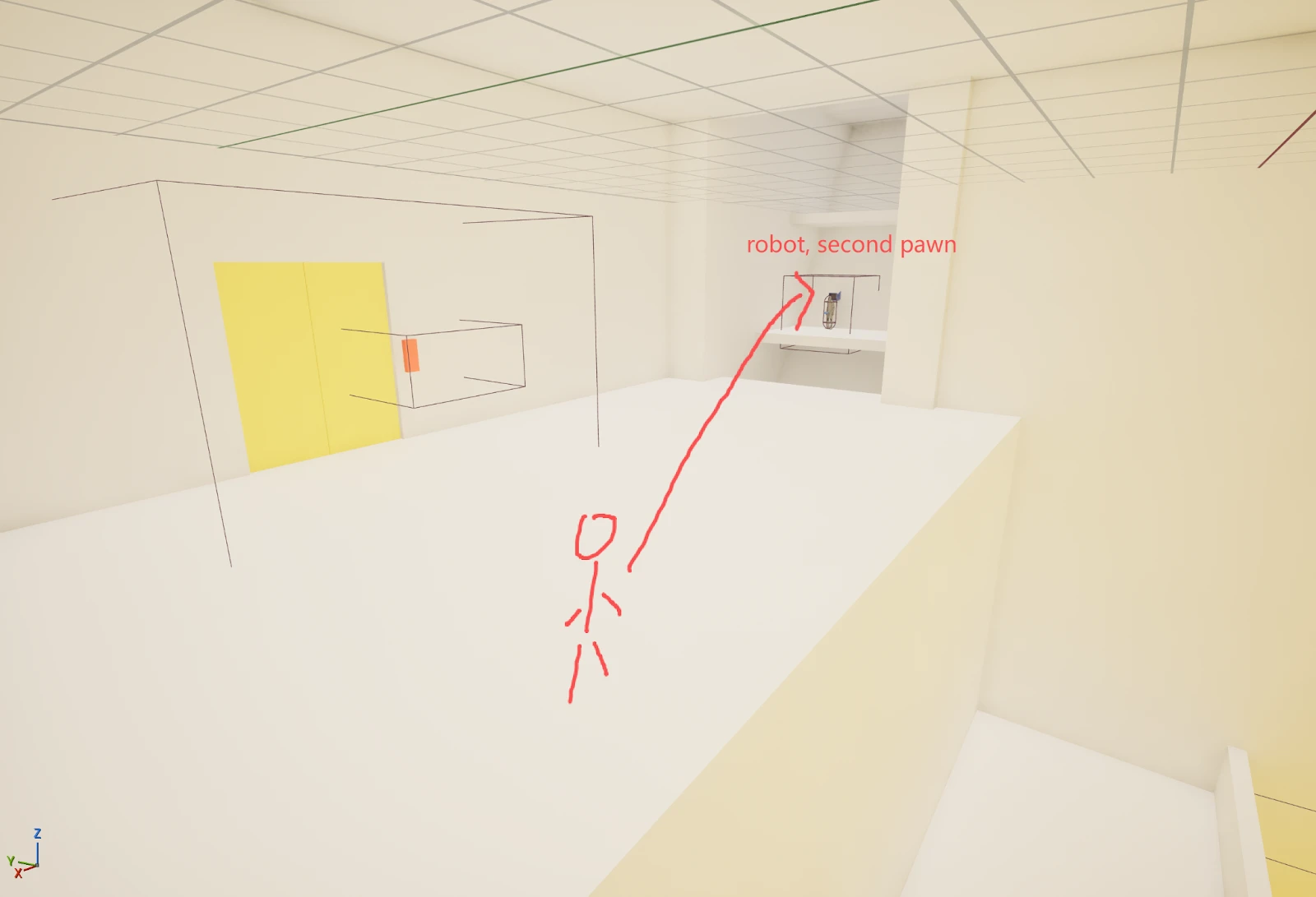
Phase 4: System Reuse Under New Constraints (Elevator Shaft Sequence)
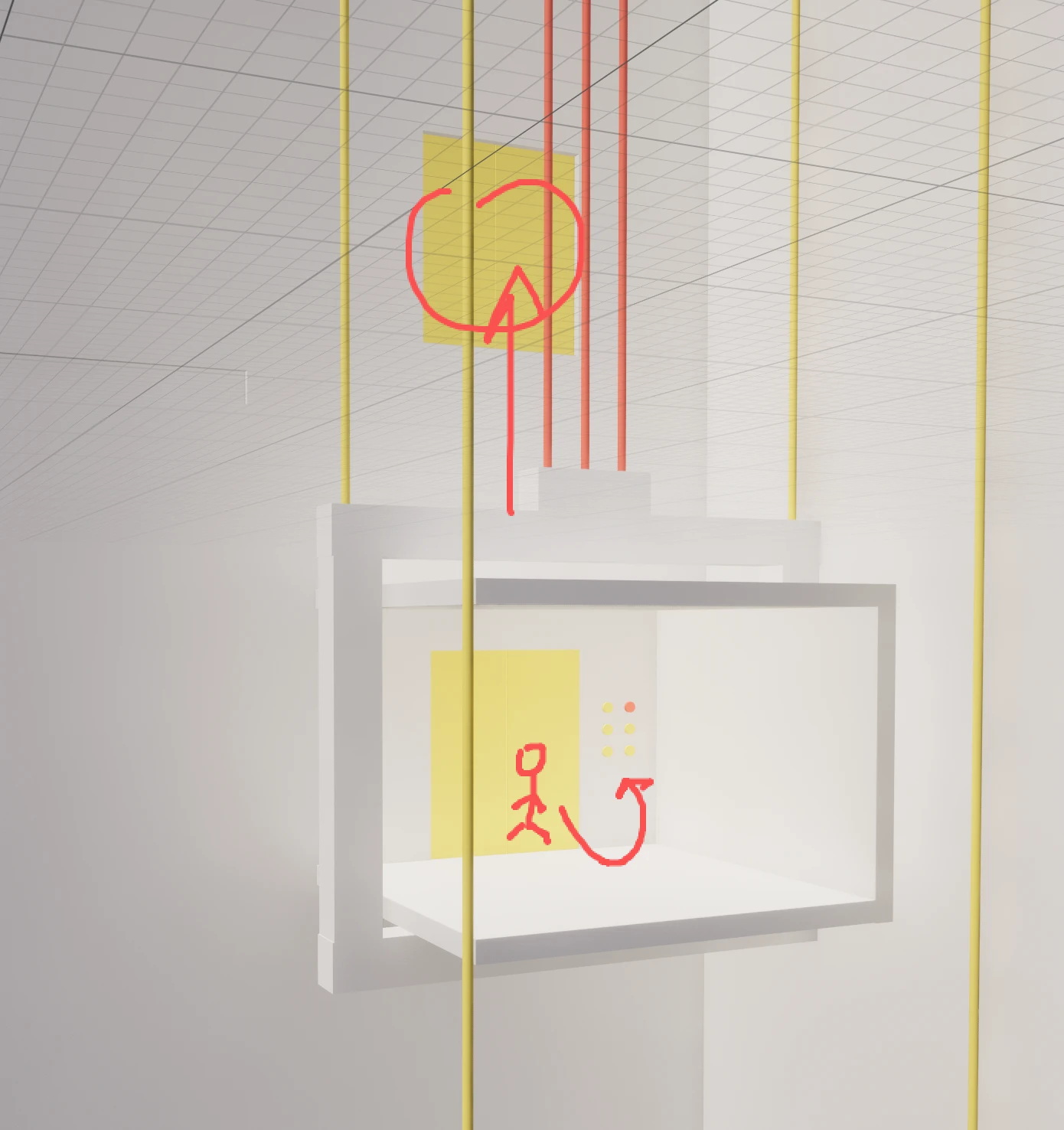
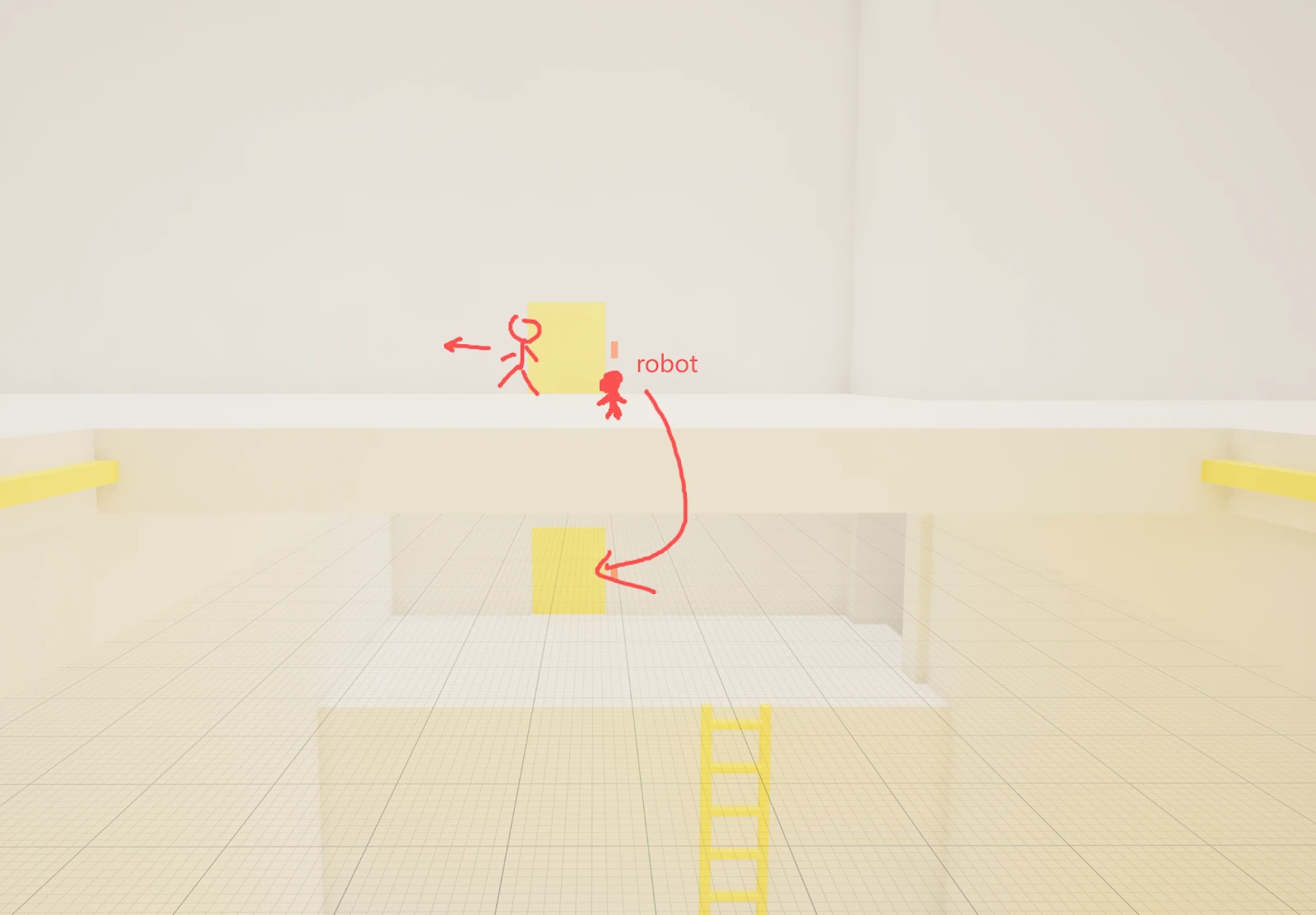
After unlocking elevator access, the player encounters a puzzle that reuses existing systems with altered constraints. The player must use a garbage cube to block only the outer elevator gate, then switch to the robot to activate the elevator from a different floor. The puzzle requires understanding how gate states update dynamically based on player proximity and object placement.
Gameplay focus:
- Partial system blocking (outer gate only)
- Coordinated use of object manipulation and pawn switching
- Spatial reasoning within a moving system
Phase 5: Vertical Escape Sequence (Hoist Rope Mechanic)
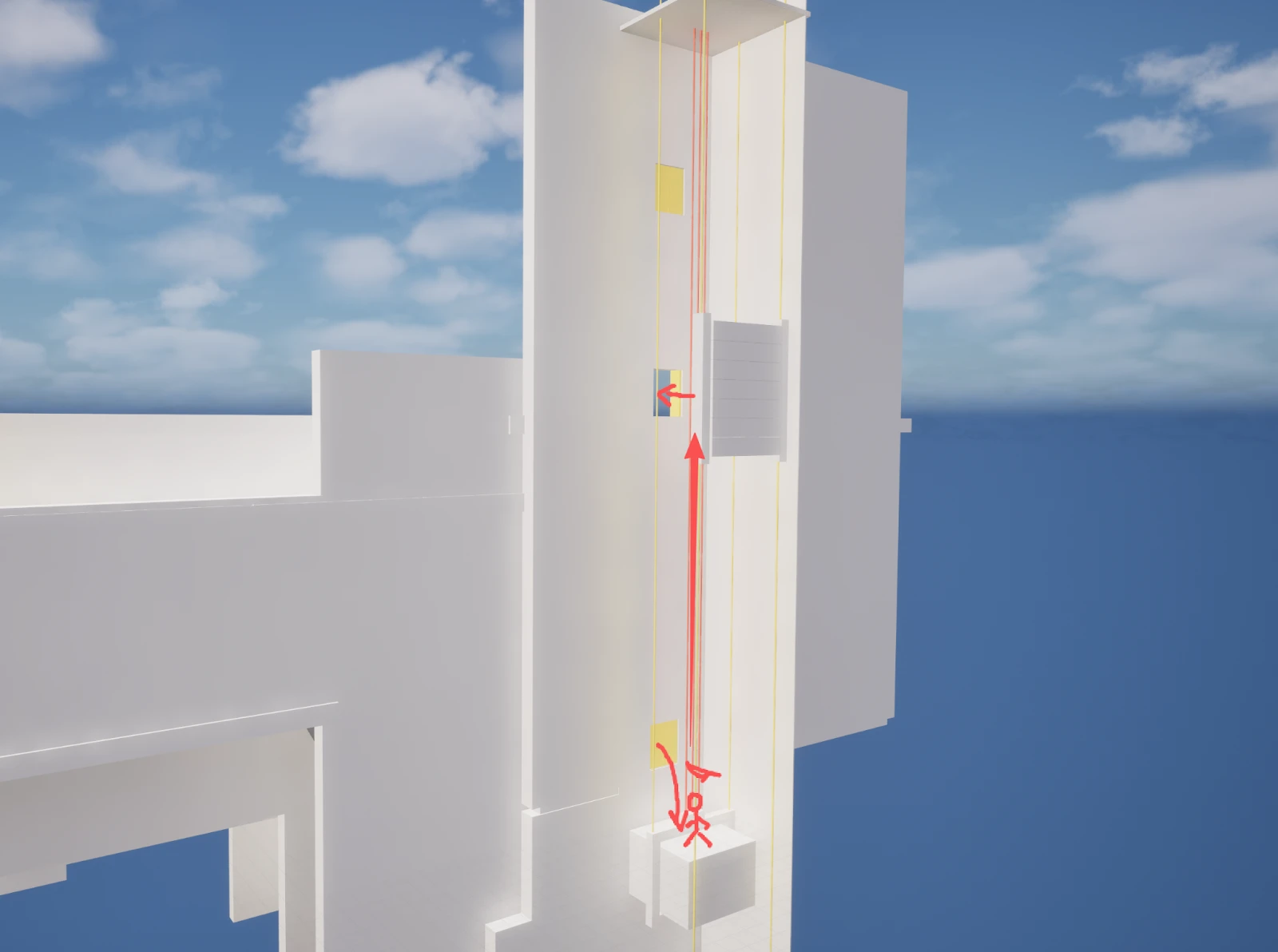
The final segment focuses on a vertical escape using hoist ropes attached to the elevator car. The player uses the robot to identify the solution, then cuts three ropes to trigger an automatic grab and rapid upward movement. A brief bullet time near the exit gives the player a final opportunity to jump to the open gate and escape.
Gameplay focus:
- Scripted state transitions
- Player attachment to moving components
- Fail-state handling
Technical Highlights (Blueprint Architecture)
The core systems behind the gameplay were built primarily using Unreal Engine Blueprints. My focus was on creating clear, modular components and smooth interaction mechanics that are easy for design use when building puzzle rooms.
Elevator Infrastructure
Elevator System (BP_Elevator)
The custom elevator system consists of several fully functional physical components:
Using the floor panel moves the elevator car to a selected floor. The height of each floor is determined by the call station placed in the world. To make this easy to set up for level design, I built a Call-In-Editor construction script that dynamically calculates these floor heights and automatically rebuilds the cables and structures based on where the designer places the stations.
Key Features:
- Fully modeled elevator mechanics (shafts, weights, ropes)
- Automated construction scripts for fast level design
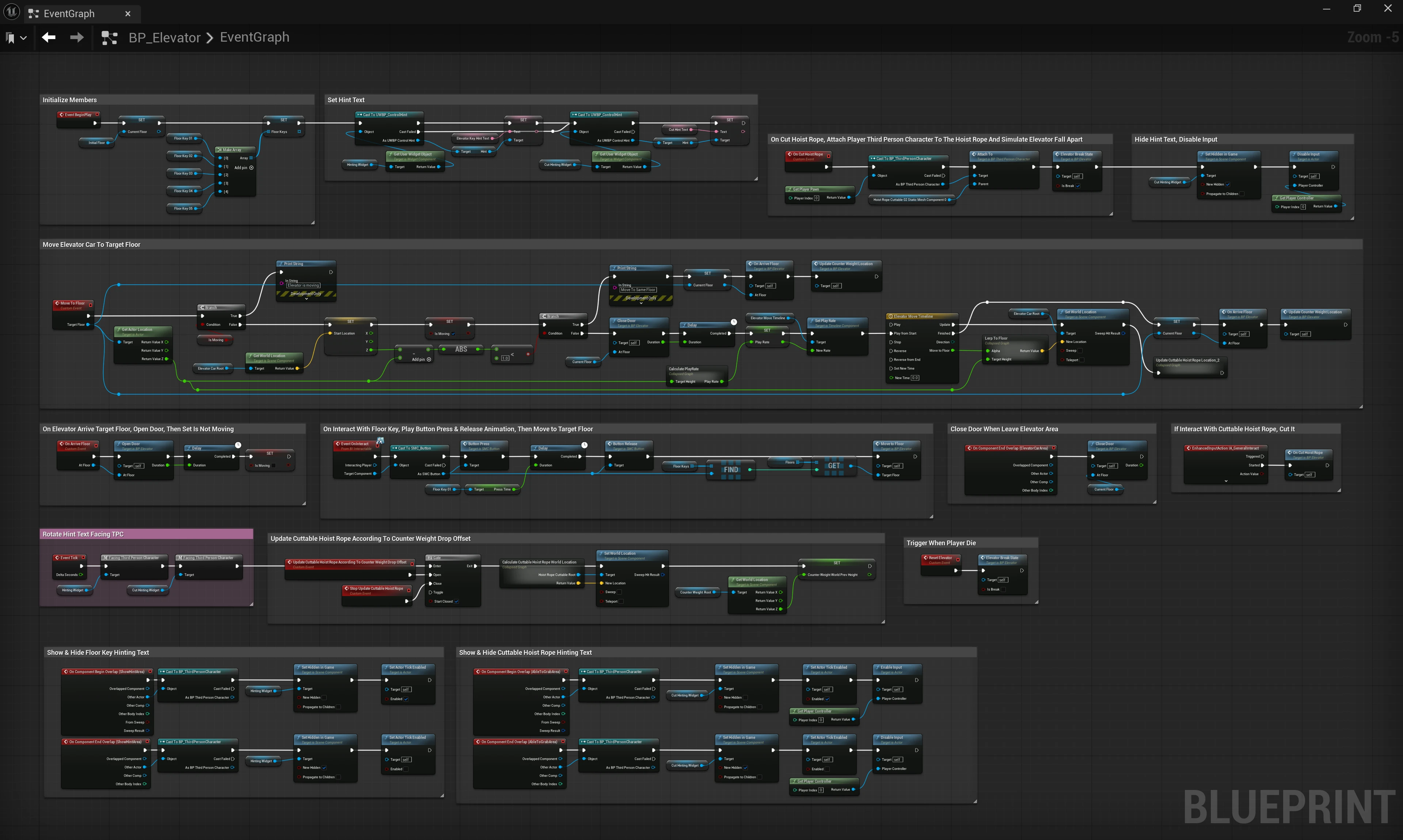
BP_Elevator Event Graph
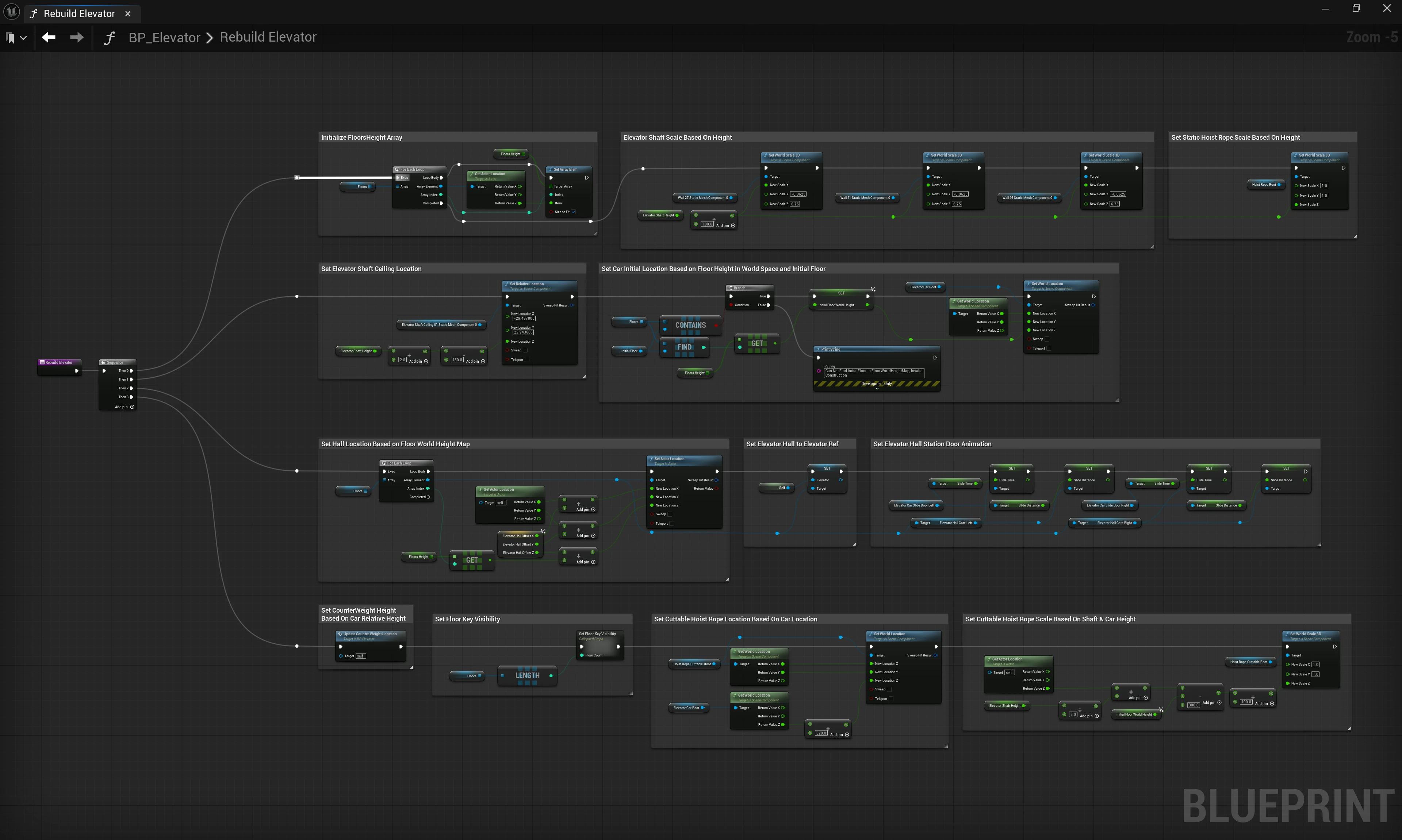
Call-in-Editor Rebuild Function
Call Station & Stuck Detection (BP_ElevatorHallStation)
The call stations define the exact locations of each floor in the world, passing this location data back to the main elevator blueprint.
A major puzzle mechanic in the game requires players to sneak into the elevator shaft. To support this, I implemented a Stuck Detection logic block within the hall station. This detects when a physical object (like a puzzle box) is blocking the hallway gate from closing, allowing the player to safely squeeze through the gap.
Key Features:
- Supplies floor location data to the elevator
- Physics-based door jamming detection
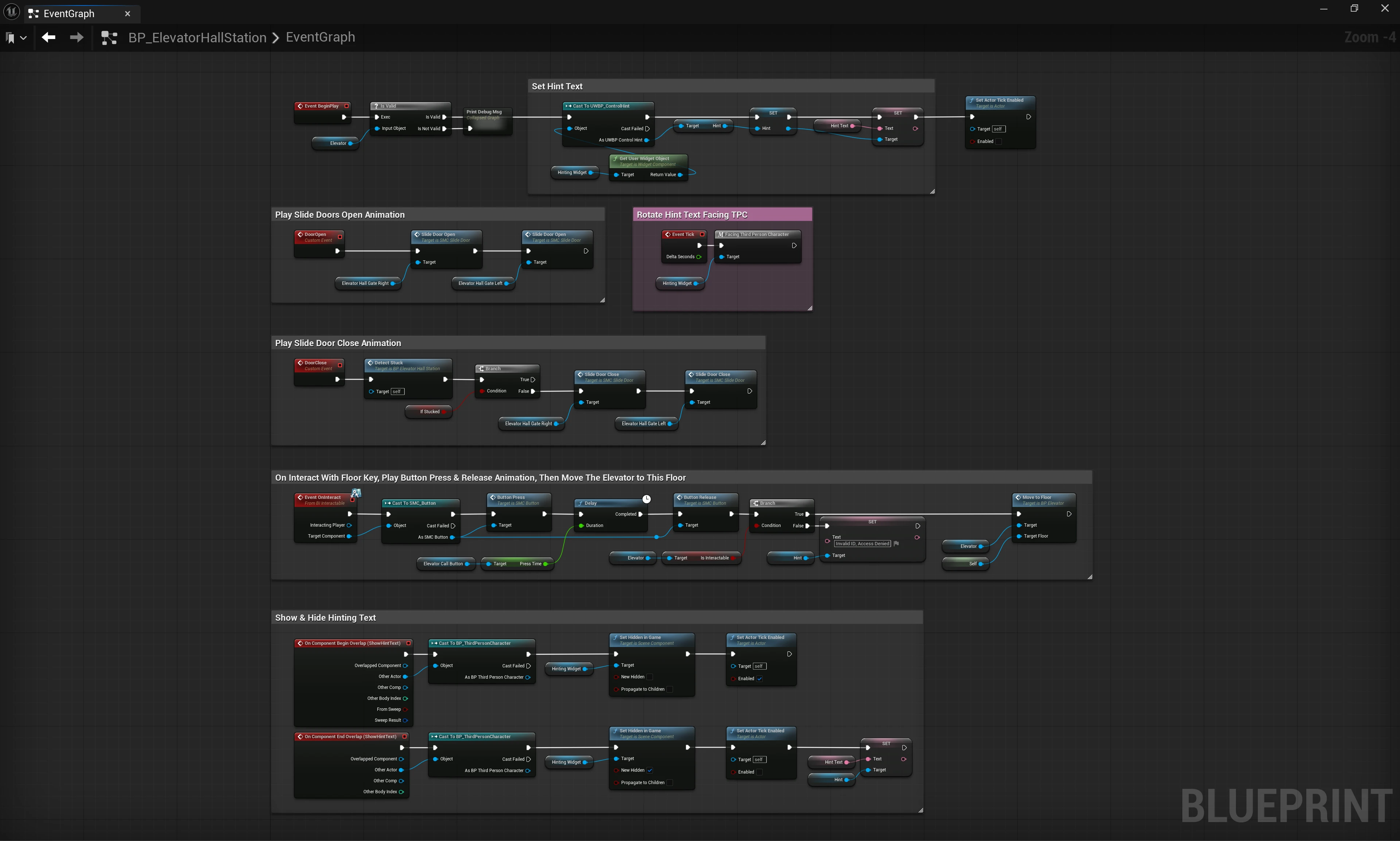
BP_ElevatorHallStation Stuck Detection Function
Character Capabilities
Custom Character Logic (BP_ThirdPersonCharacter)
This blueprint implements complex custom puzzle interactions, specifically the General Interaction and Grip systems.
The General Interaction system is triggered by a linear trace starting from the character's eye location, shooting forward to checking for a custom `Interactable` object type. All interactable objects share a `BPI_Interactable` interface, which defines their unique behaviors when triggered by the player.
For physical interactions, I designed a dynamic input system. A single input action intelligently routes the player's intention based on their current movement state (e.g., Walking vs. Falling) to determine whether they should enter the Ledge or Push/Pull systems. This dynamic system creates a highly intuitive, seamless gameplay feel without cluttering the controls.
Key Features:
- `BPI_Interactable` interface architecture
- Dynamic input routing based on active movement modes
- Intuitive, context-sensitive player controls
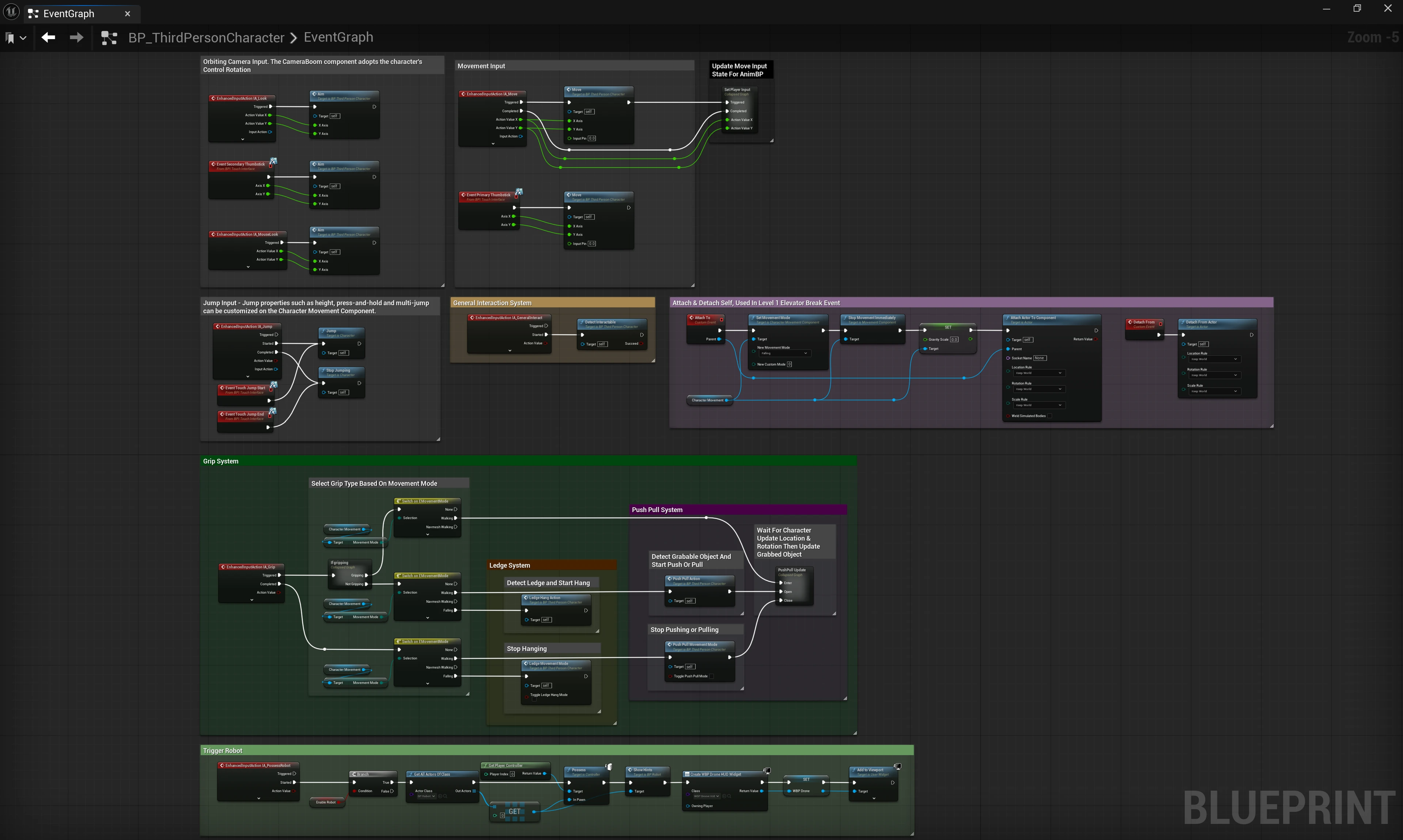
BP_ThirdPersonCharacter Event Graph
Grip Execution: Ledges & Push/Pull Detection
The Ledge System runs a strict 5-step detection sequence:
- Proximity: Is there a nearby object?
- Type Check: Is that object a ledge?
- Ceiling Clearance: Is the ledge a ceiling right above the player's head?
- Surface Angle: Is the ledge surface not sloped?
- Wall Contact: Is there space for the legs to contact the wall, deciding between a Free Hang or Braced Hang state?
The Push/Pull System runs a 2-step detection sequence:
- Proximity: Is there a nearby object?
- Surface Slope Limits: Is the top surface slope within an acceptable range? This specific check ensures that if a player pushes a box off a cliff, it will automatically force the player to release the box once it tilts past a certain angle.
Once these detections pass, two separate sub-graphs are called to smoothly warp the player into the exact interaction socket.
Key Features:
- Strict, multi-layered sequential geometry detection logic
- Performance-saving input-bound tracing
- Timeline sub-graphs for clean position interpolation
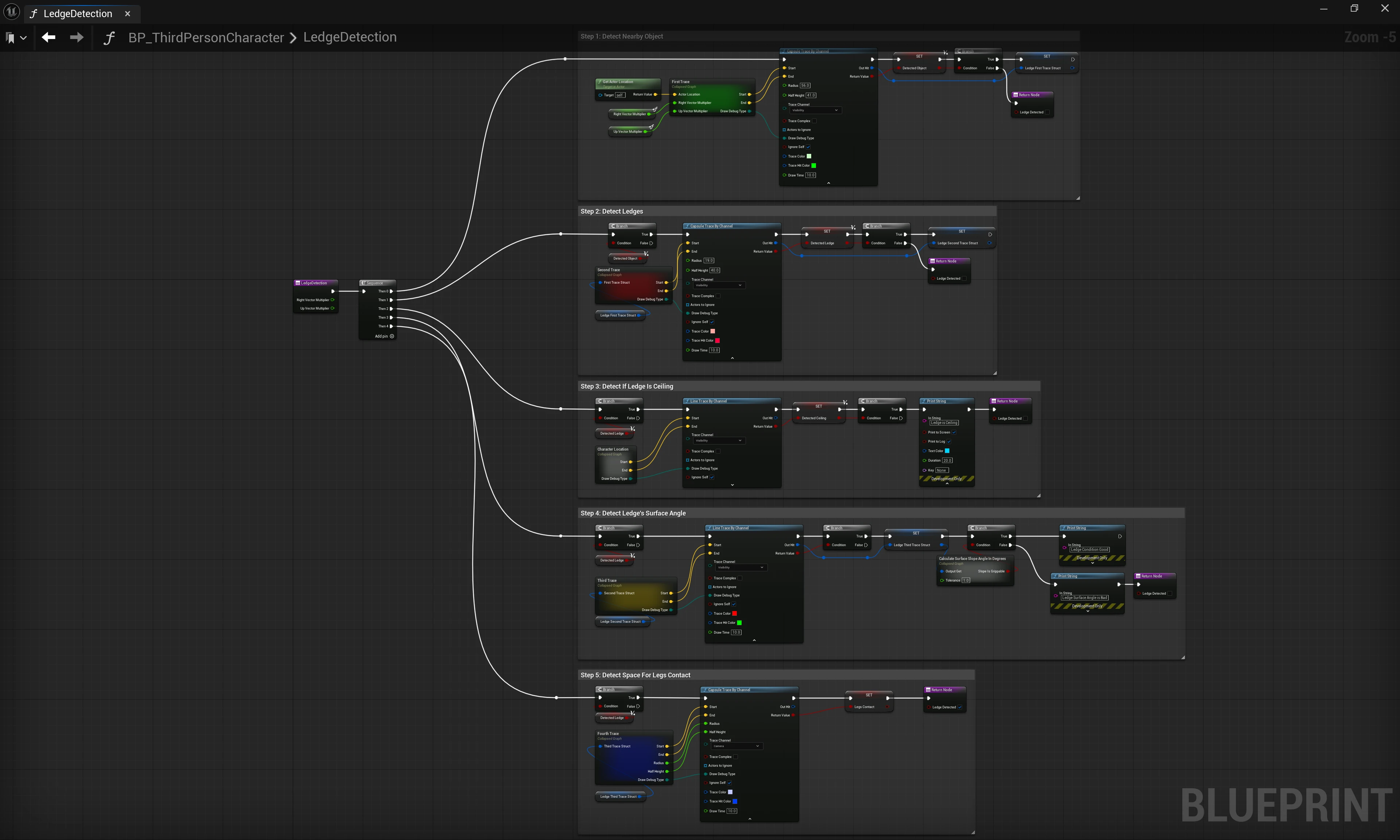
Ledge Detection Function
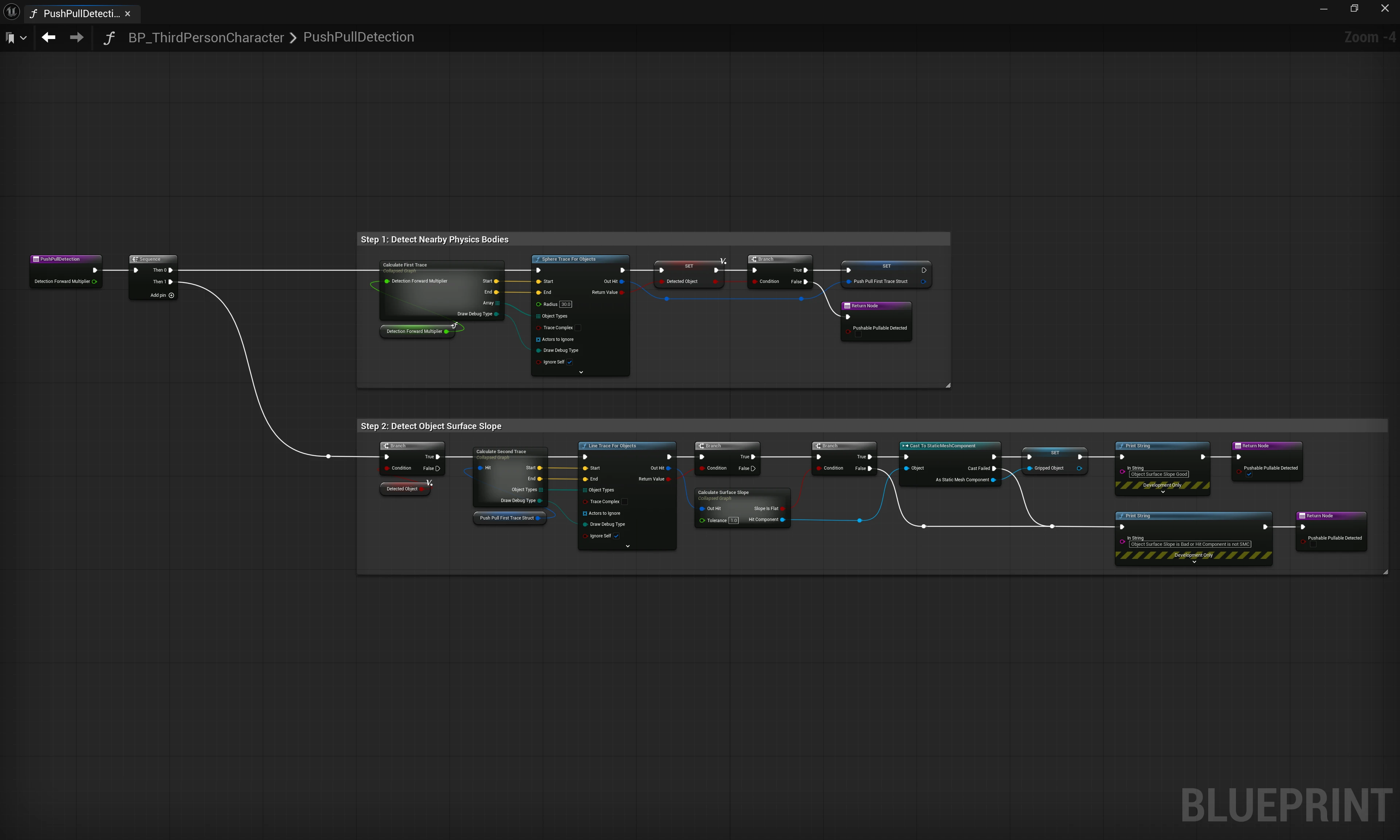
Push/Pull Detection Function