Multi-DimensionalForum
Multi-Dimensional Forum is an innovative platform redefining online forums by transitioning from traditional 2D interfaces to an immersive 3D virtual environment. The platform allows users to gather in a virtual gallery to interact, post comments, and engage in real-time conversations while maintaining the core functionalities of traditional forums. This experimental project explores how spatial dynamics in a multi-dimensional setting influence user behavior, communication patterns, and the overall digital experience.
Inspiration
The Constraint
Traditional forums are confined to 2D, text-based information boxes. Even in VR/AR environments, most platforms merely replicate 2D interfaces, failing to explore the true potential of spatial interaction.
The Shift
Breaking free from linear constraints. Multi-Dimensional Forum transforms distinct posts into an immersive 3D environment where users gather, interact, and exchange ideas in a shared virtual space.
The Vision
Abandoning flat structures triggers new behaviors. This work invites users to think differently about engagement, redefining the way we perceive and experience digital communication through spatial dynamics.
Content Design
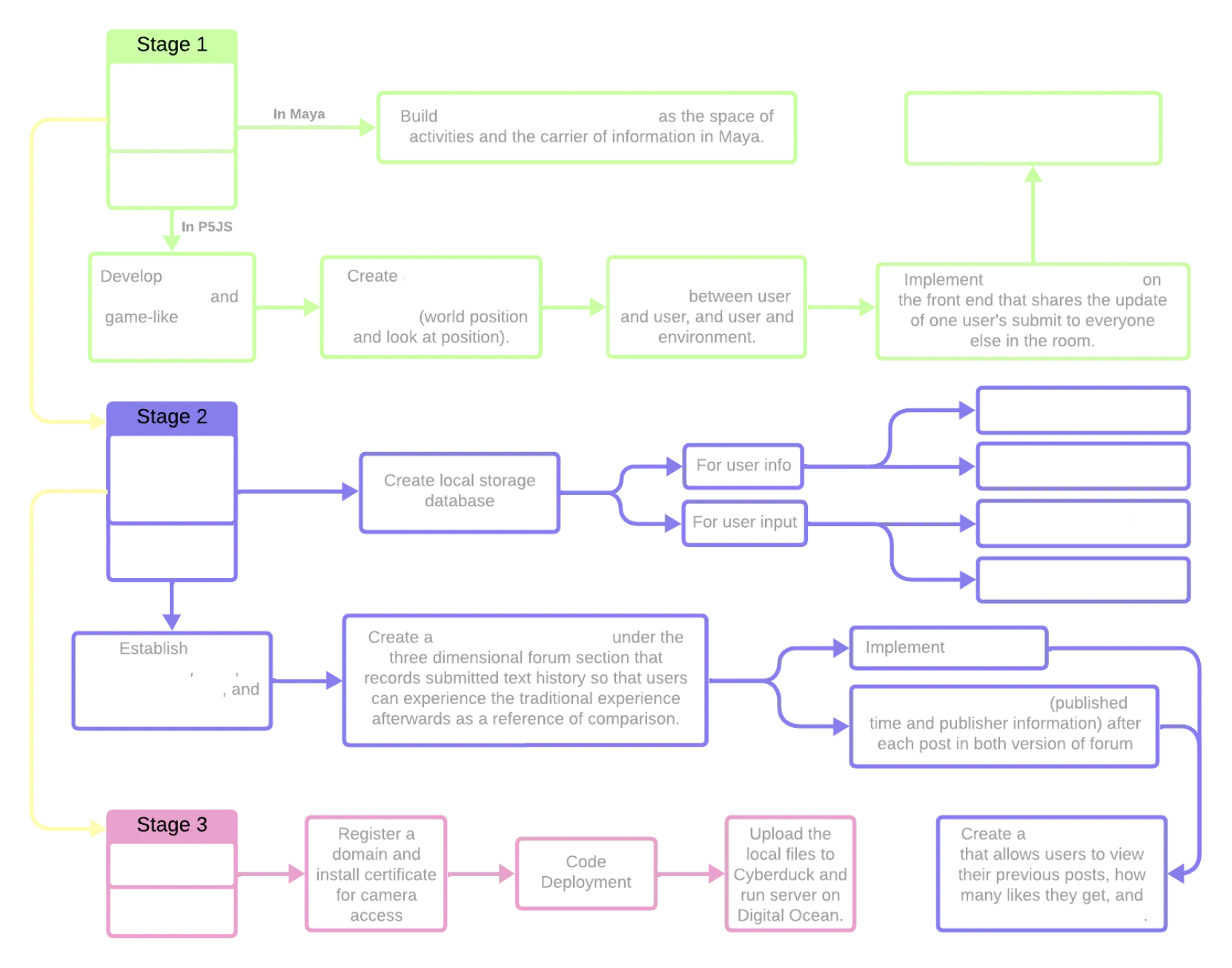
Development Process - Stage 1
Modular Environment Modeling in Maya
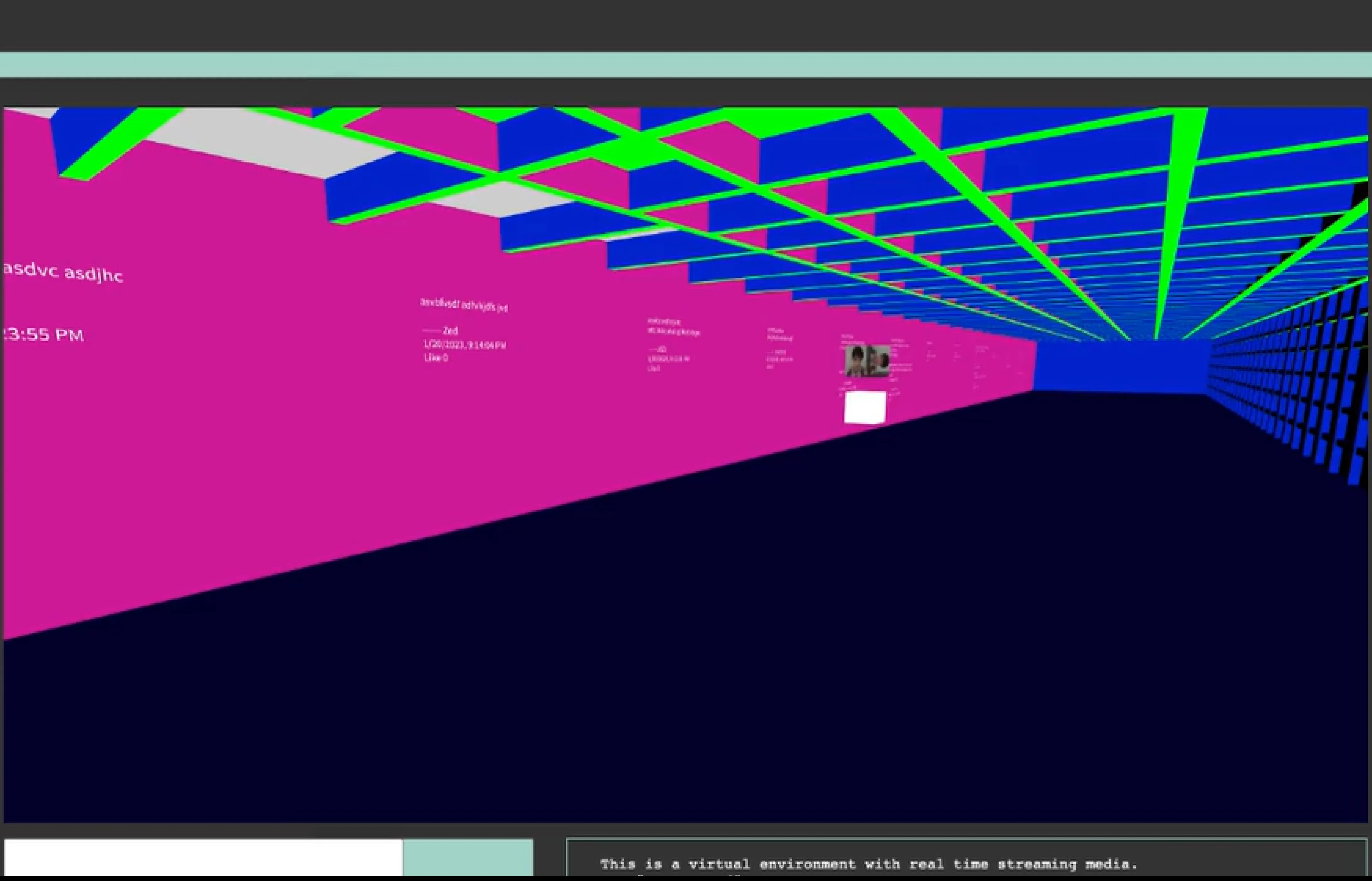
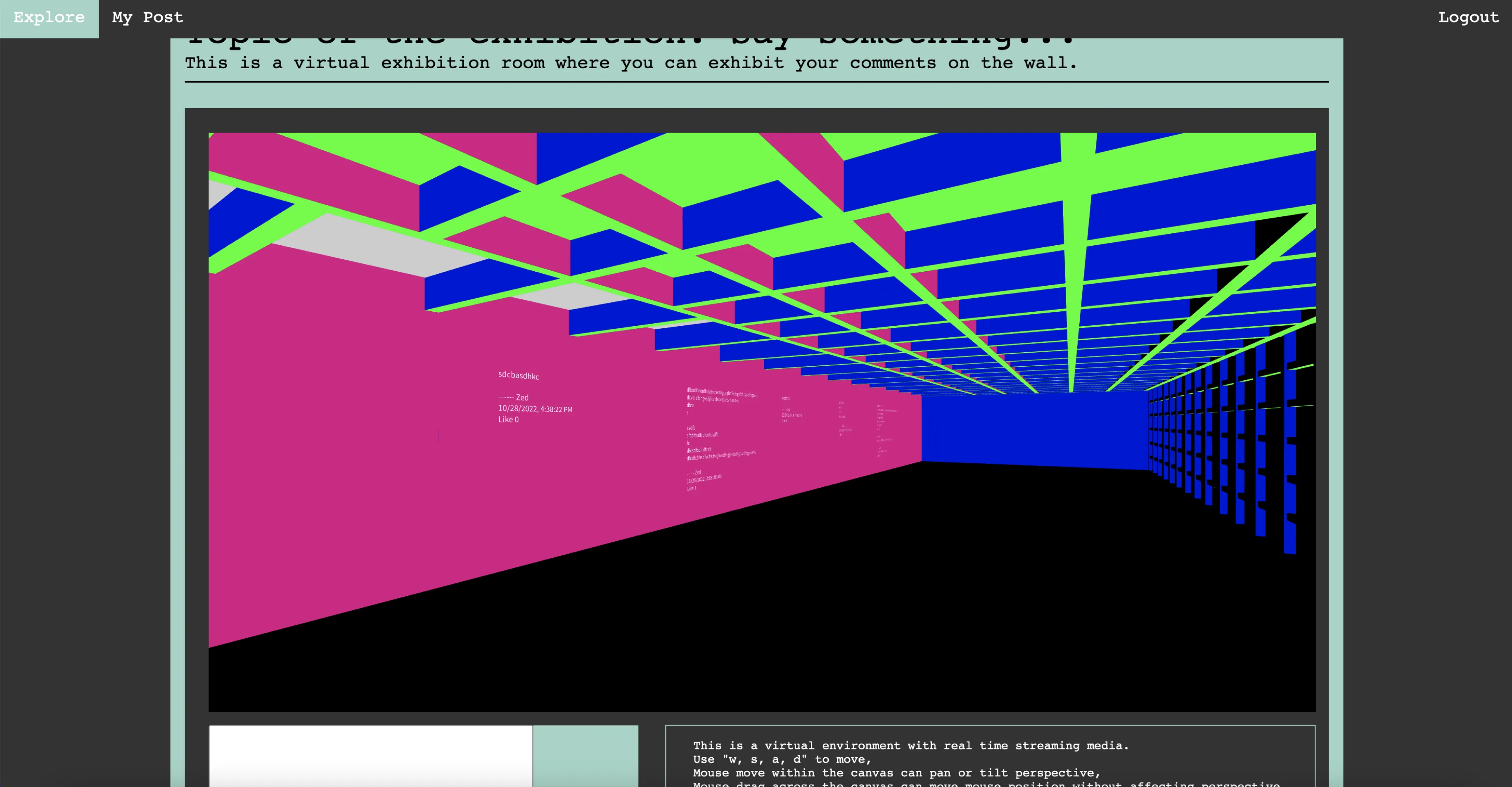
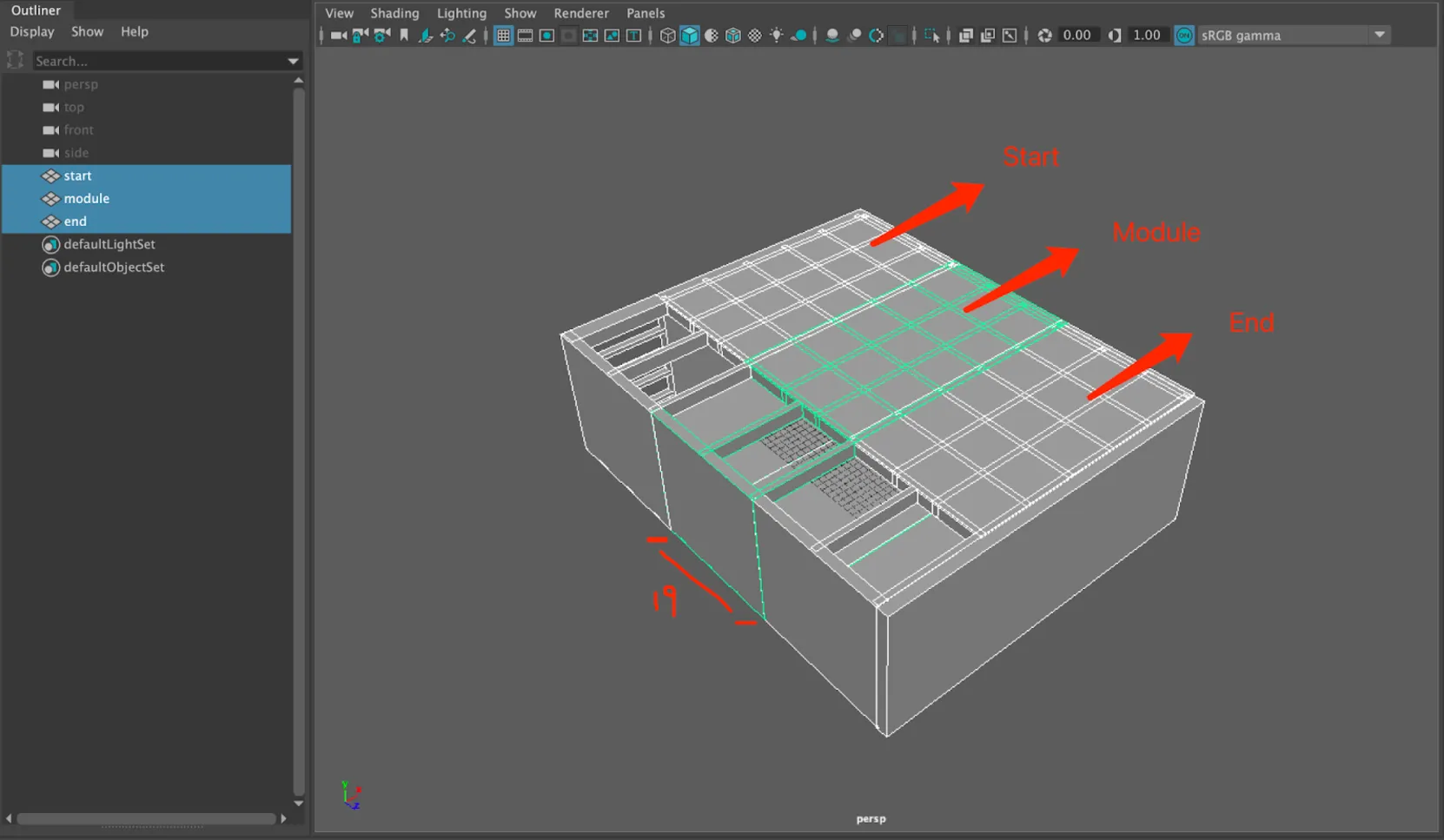
In this step, I utilized Maya to model an exhibition room that serves as the project's environment. The model consists of three distinct components: the start, module, and end. Each component follows a consistent structural design, enabling seamless integration. The central module serves as the primary carrier for displayed information, with its width precisely set to 19 units. This design choice allows for efficient scalability, as adding a new module requires shifting all existing modules and the end section by exactly 19 units, maintaining alignment and ensuring modular flexibility in the exhibition layout.
Interactive Livestreaming and Camera Control
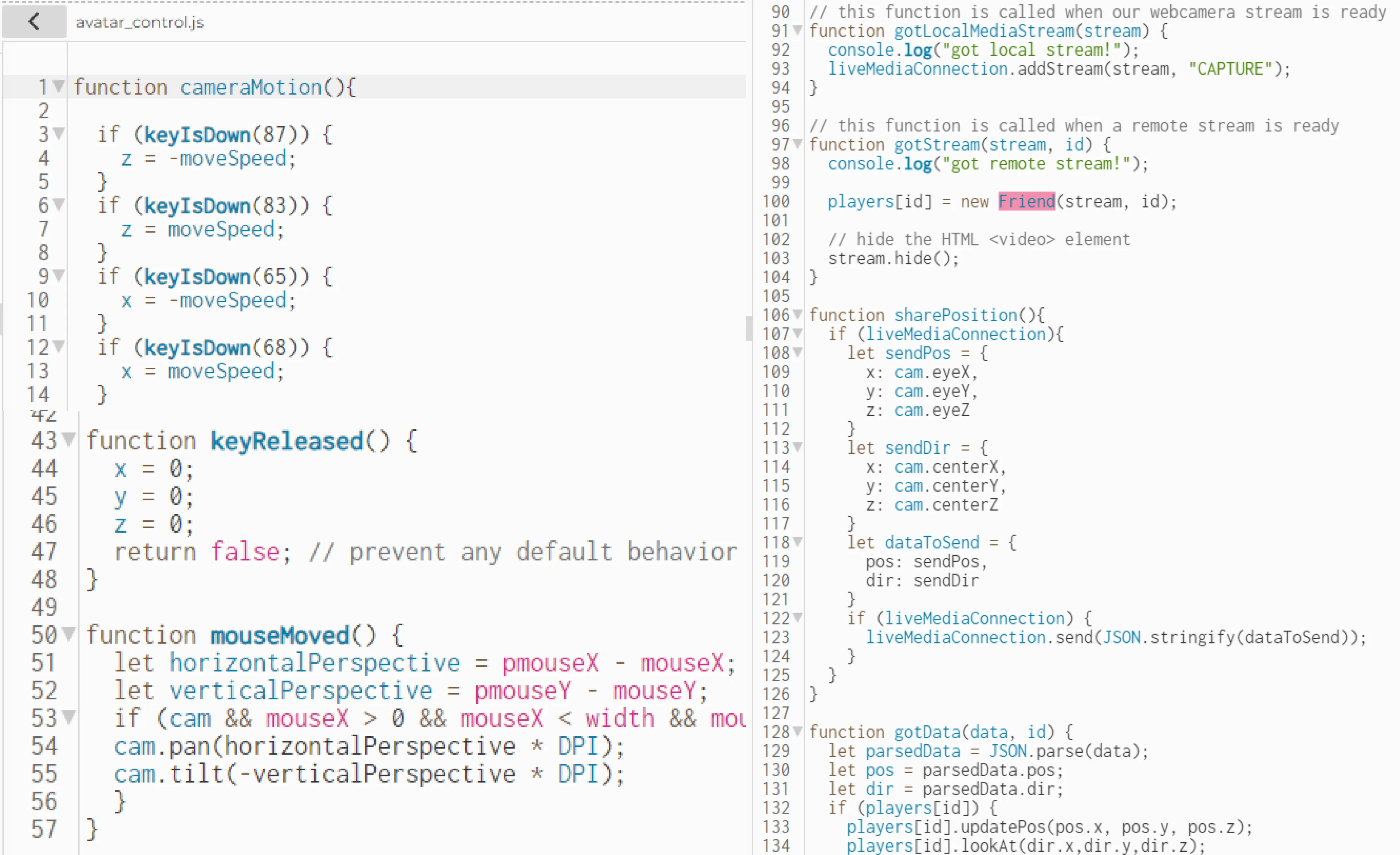
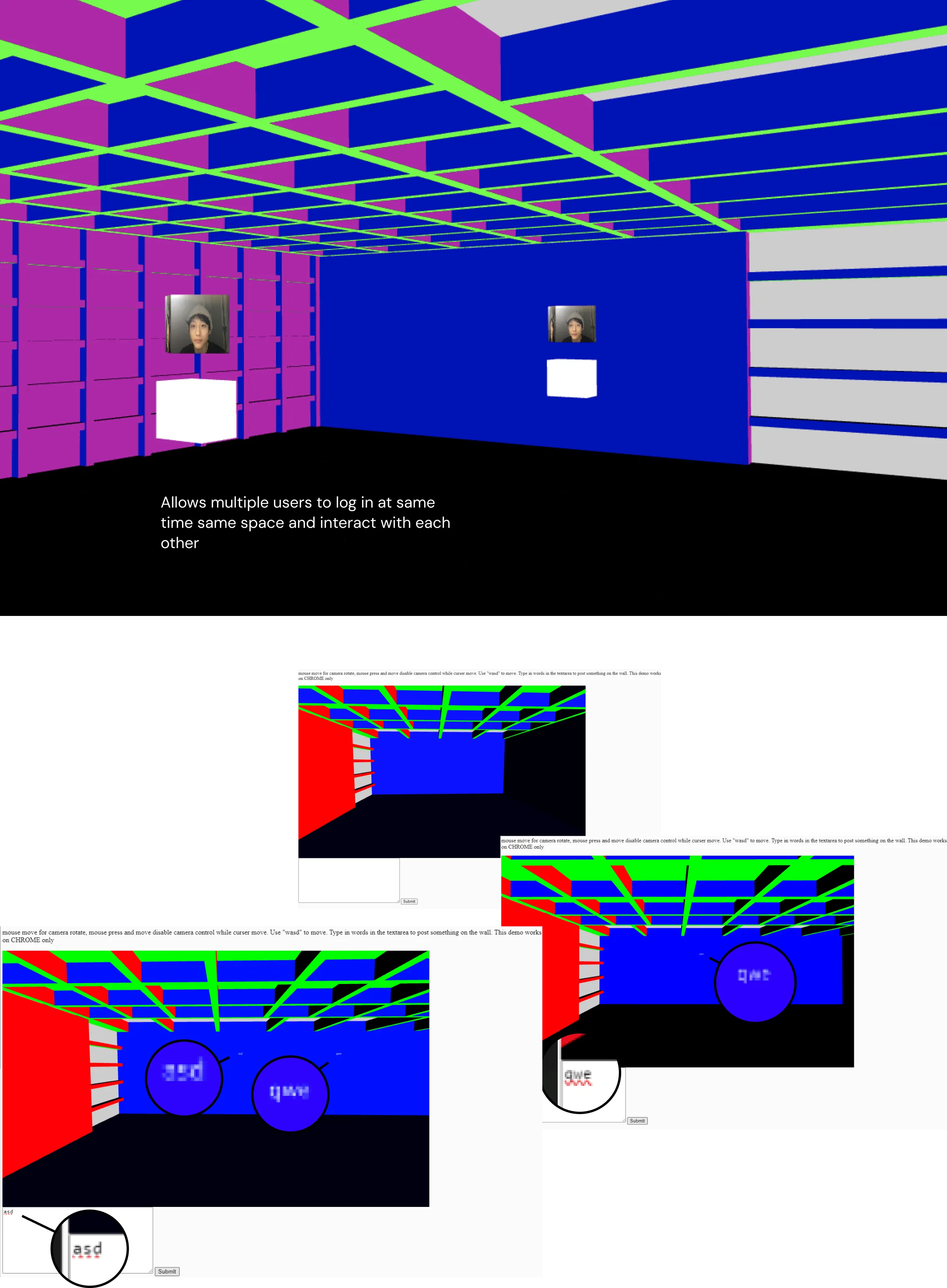
At this stage, I developed the interactive livestreaming and game-like camera control system using the p5LiveMedia library to enable real-time media streaming and synchronization of user positions and orientations. The cameraMotion function handles keyboard inputs to control camera movement along the x and z axes, while keyReleased ensures the movement stops smoothly when keys are released. The mouseMoved function enables intuitive perspective control, allowing users to pan and tilt the camera dynamically based on mouse movement for an engaging, game-like experience.
The livestreaming functionality is managed through gotLocalMediaStream and gotStream, which set up local and remote media streams. The sharePosition function sends the camera's position and orientation to other participants in real-time, and gotData processes incoming data to update remote users' positions and orientations. This system ensures synchronized interaction and smooth integration of livestreaming and user control.
Serving the site over HTTPS was a hard requirement rather than a nicety: getUserMedia only grants camera access in a secure context, so over plain HTTP the local media stream is blocked outright and the livestreaming layer never starts.
Avatar Movement and Orientation System
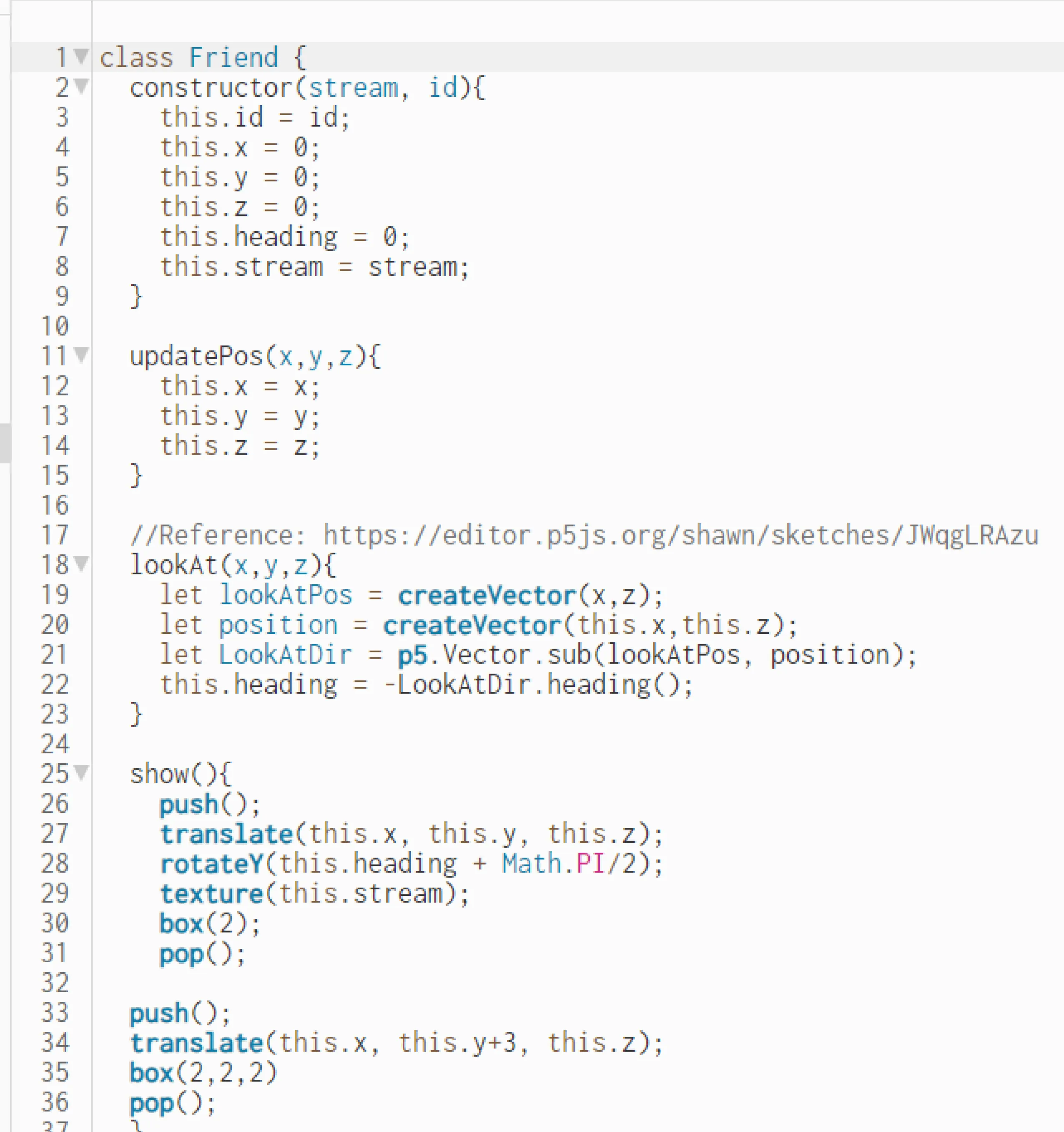
At this stage of the project, I developed the Avatar system to represent each user's movement and orientation in the 3D world. The Friend class initializes Avatars with unique IDs, default positions, and textures for rendering. The updatePos method updates the Avatar's world position based on input data, while the lookAt method calculates its heading to face a specified target using vector math. The show method renders the Avatar in 3D space with transformations for position, orientation, and texture, creating a dynamic and interactive representation.
User and Environment Collision Simulation
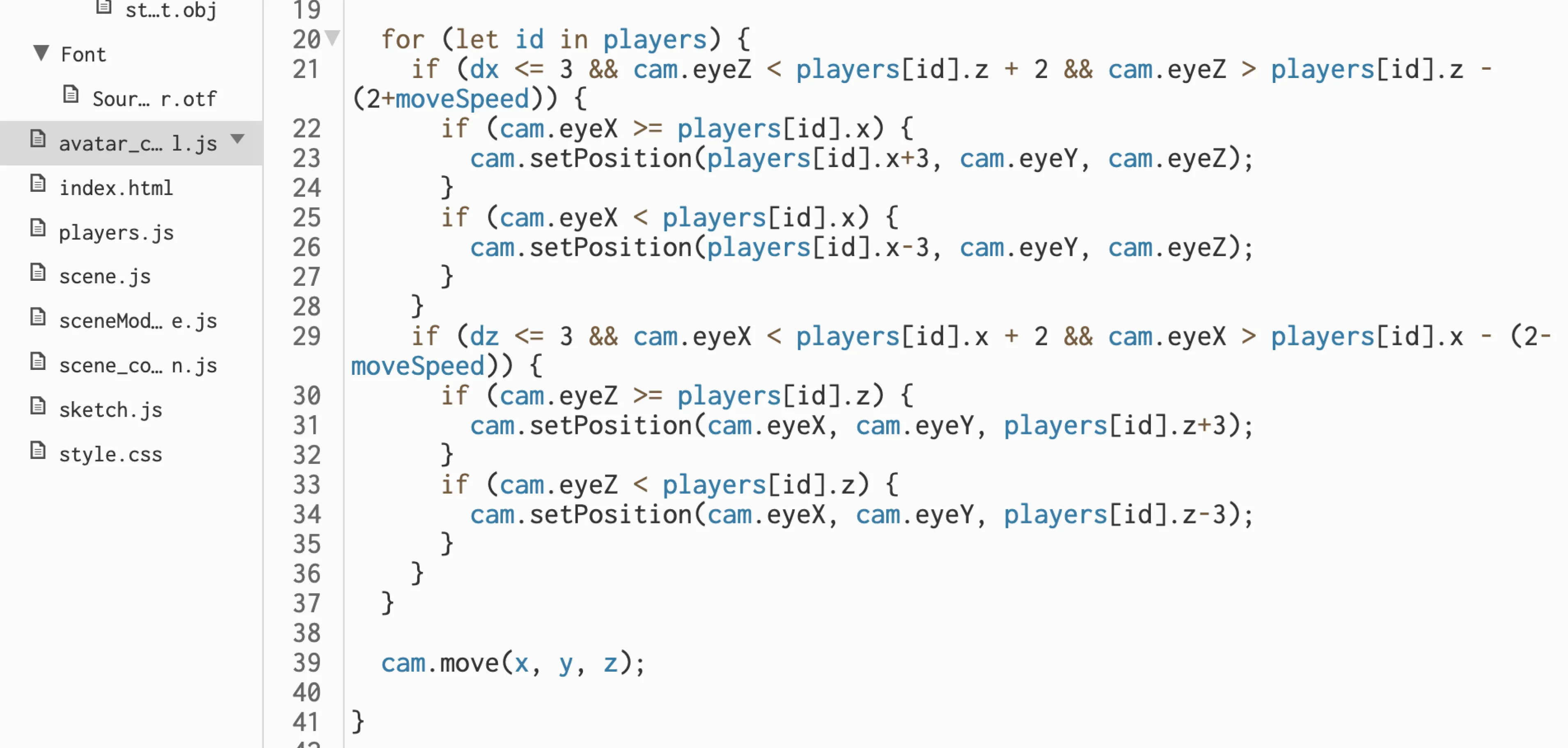
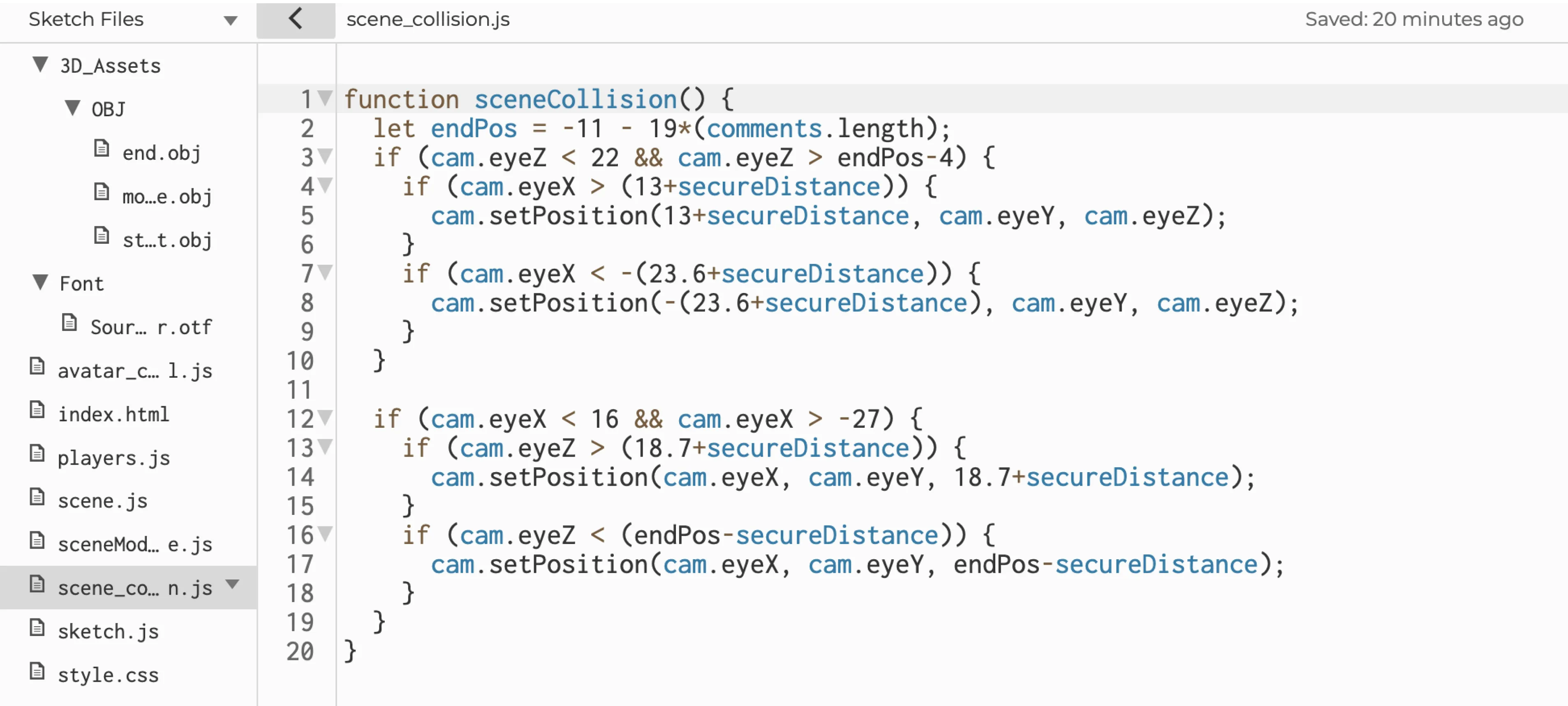
In this step, I developed the collision system to handle interactions between users and the environment. The system calculates distances along the x and z axes to determine when a user enters a defined reaction area. For collisions between users, the method prevents overlapping by adjusting a user's position along one axis if they approach another user's space too closely. This approach aligns with the cubic design of the avatars and the grid-based structure of the environment, eliminating the need for a circular collision area.
For collisions between users and the environment, I defined a rectangular reaction area using four boundary lines. When a user enters this area, the system triggers a function to restrict further movement into the environment. To accommodate the dynamic nature of the environment's layout, I introduced the variable endPos, which updates based on the number of posts to track the environment's shifting boundary.
Problem Encountered: The collision function occasionally failed to trigger when users moved quickly into the reaction area, causing them to bypass the boundary without activating the reaction.
Solution: I introduced a secureDistance variable, set to twice the user's movement speed. This adjustment accounts for diagonal movement (simultaneous motion in two directions) and ensures reliable collision detection by preventing the user from crossing the boundary without triggering a response.
Text Publish Function for User Updates
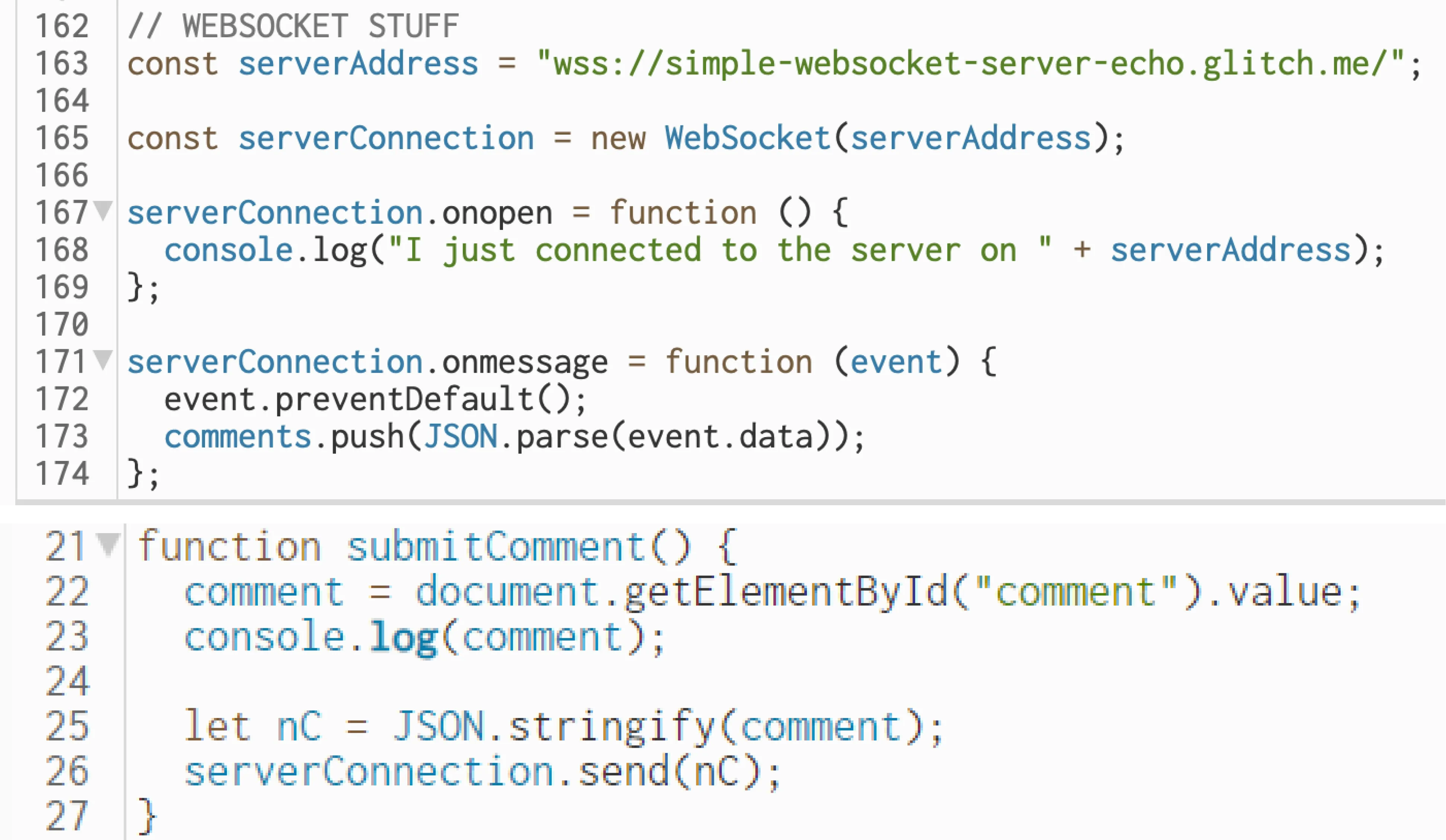
In this step, I implemented a text publish function that enables users to share updates in real-time with everyone in the room. The setup includes a textarea and a button in the index.html file. Upon submission, the text input is captured and sent to an online WebSocket server. The WebSocket server relays this data to all connected users in the room.
Dynamic Environment Extension Based on User Posts
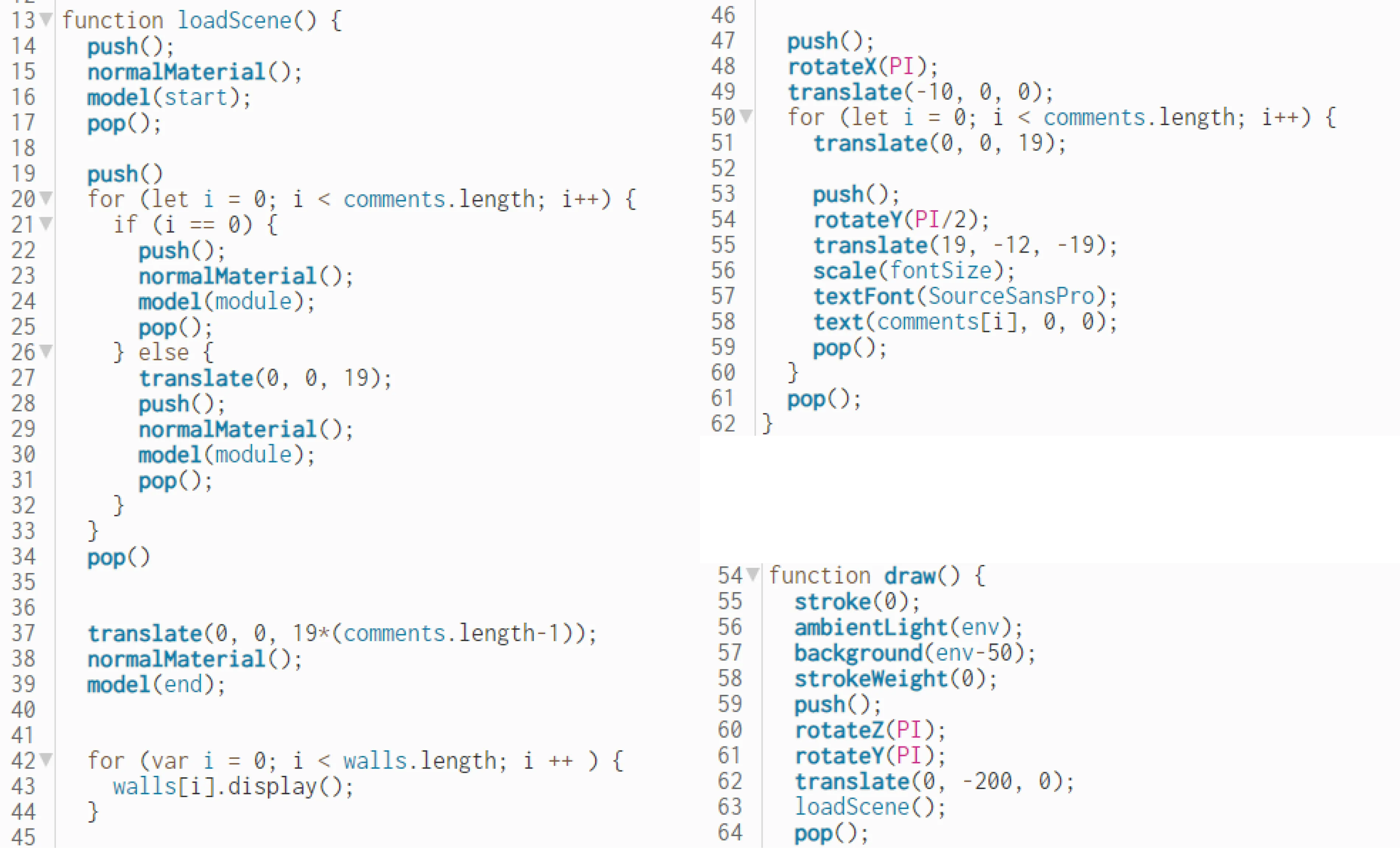
I developed a system to dynamically extend the environment based on the number of user posts. The loadScene function handles real-time updates by iterating through the comments array, adding a modular building section for each post and repositioning the end section to align with the extended structure. This approach creates a responsive and scalable environment that evolves seamlessly with user interactions.
Stage 1 Showcase
Development Process - Stage 2
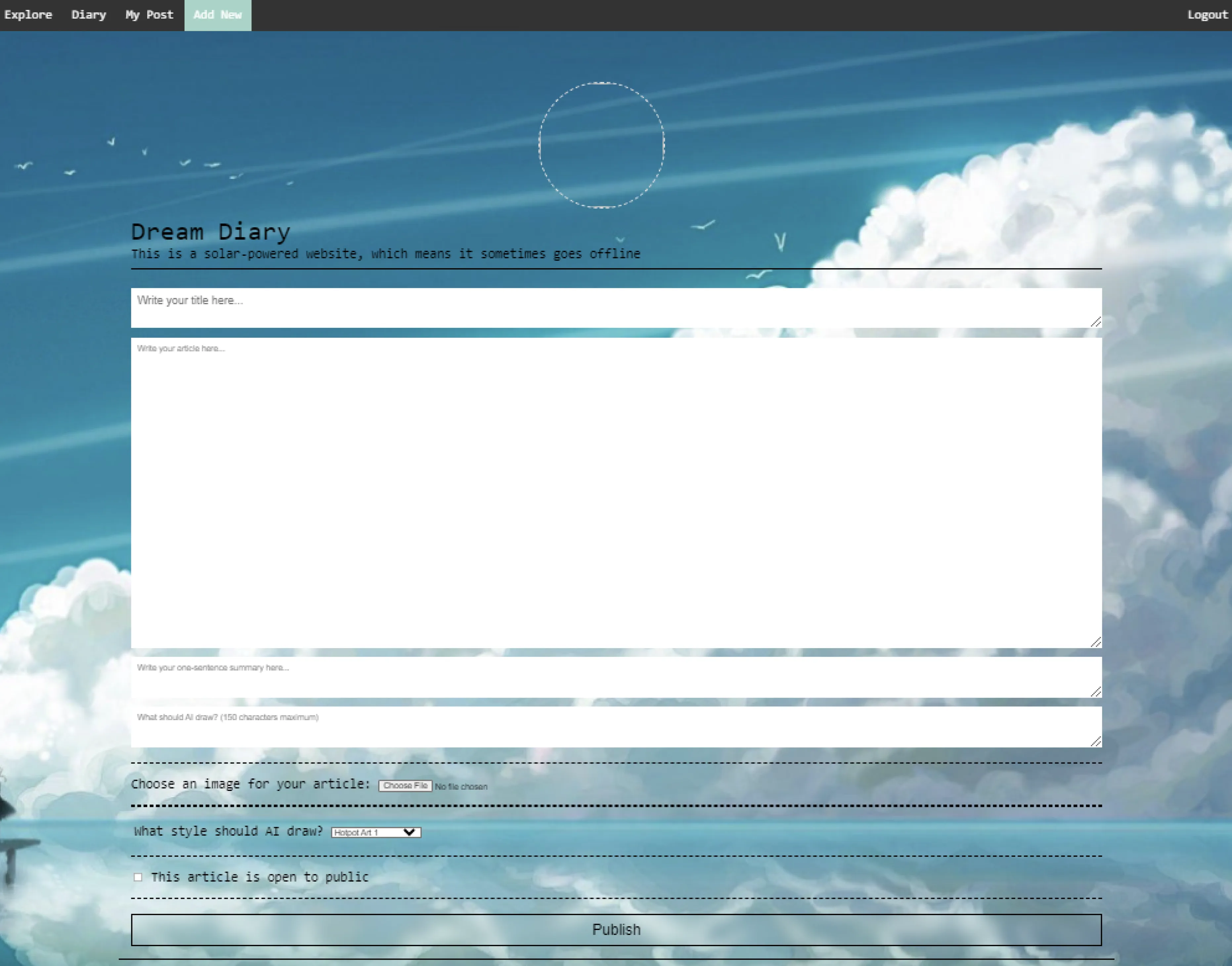
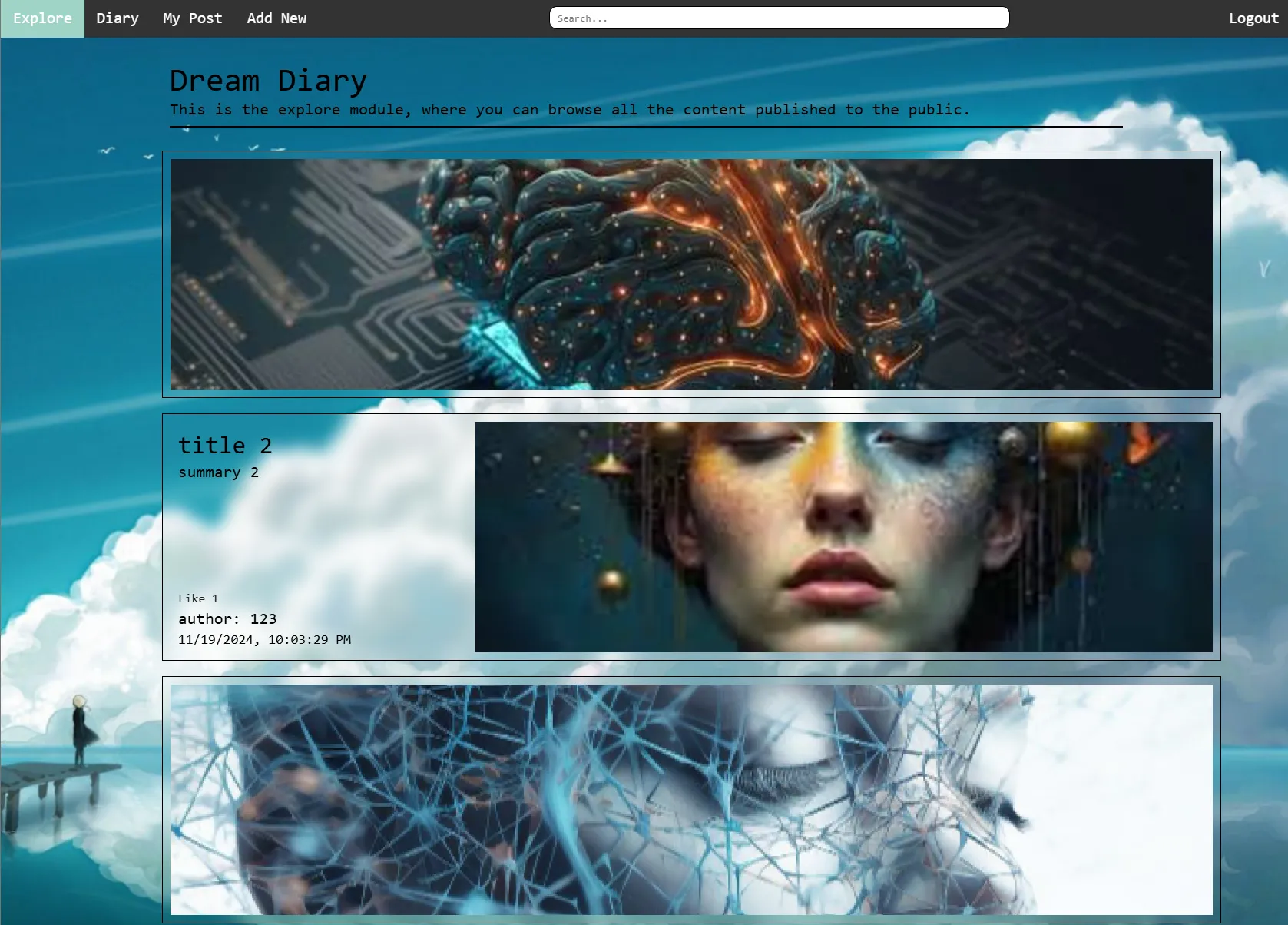
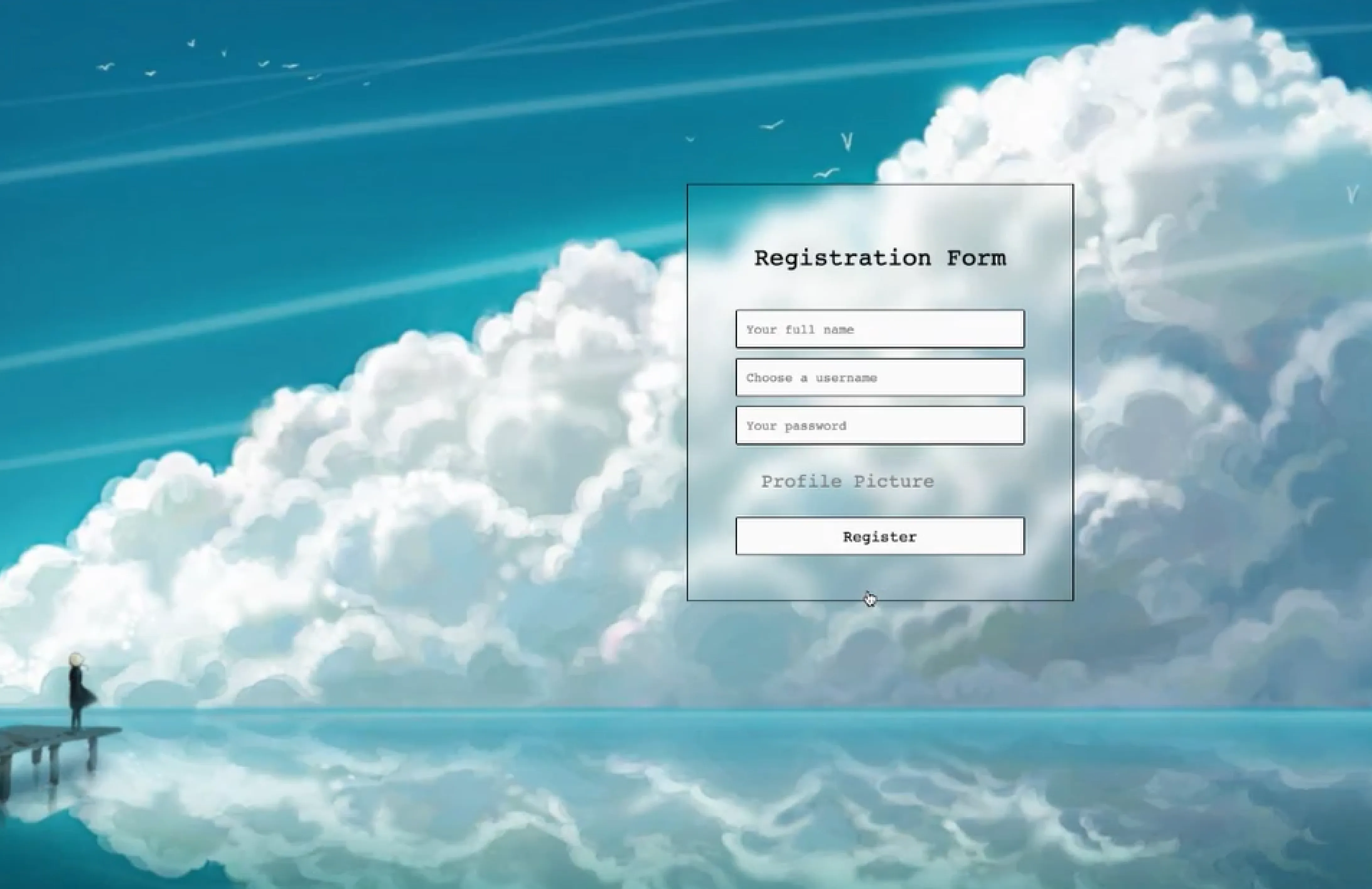
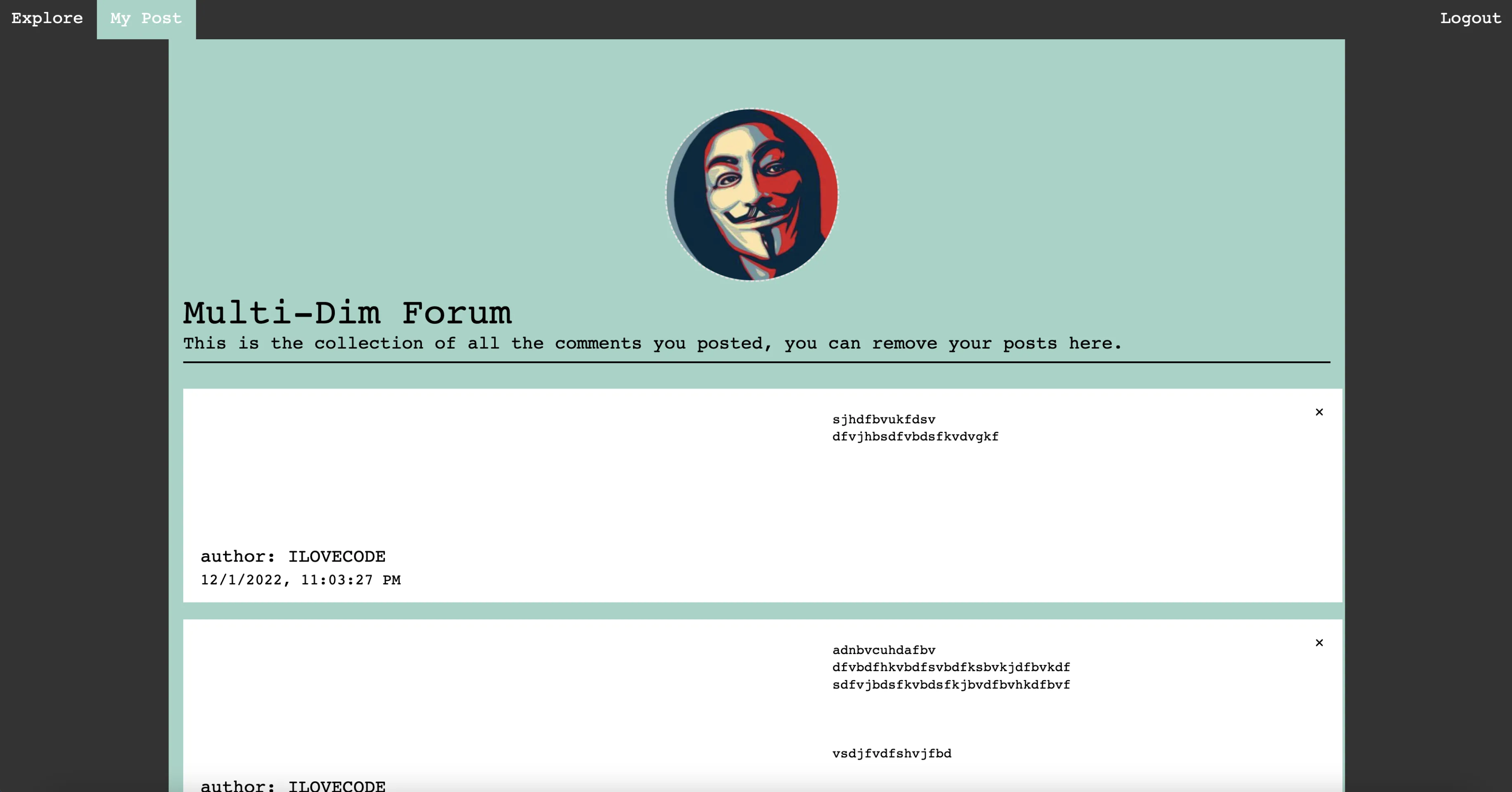
In this stage, I integrated my p5.js sketch into an existing project, Dream Diary, which I built with Node.js. Dream Diary features an account system for user authentication and an upload system for storing user posts in a database. The integration aimed to combine the interactive p5.js environment with the robust backend functionality of Dream Diary.
Problems Encountered and Solutions:
1. p5 Canvas Not Showing
Problem: The canvas failed to display due to font incompatibility.
Solution: Replaced .ttf fonts with .otf format, ensuring compatibility with the p5.js canvas.
2. Reading Data from the Database in the p5 Canvas
Problem: Direct database access in the p5.js sketch was causing issues.
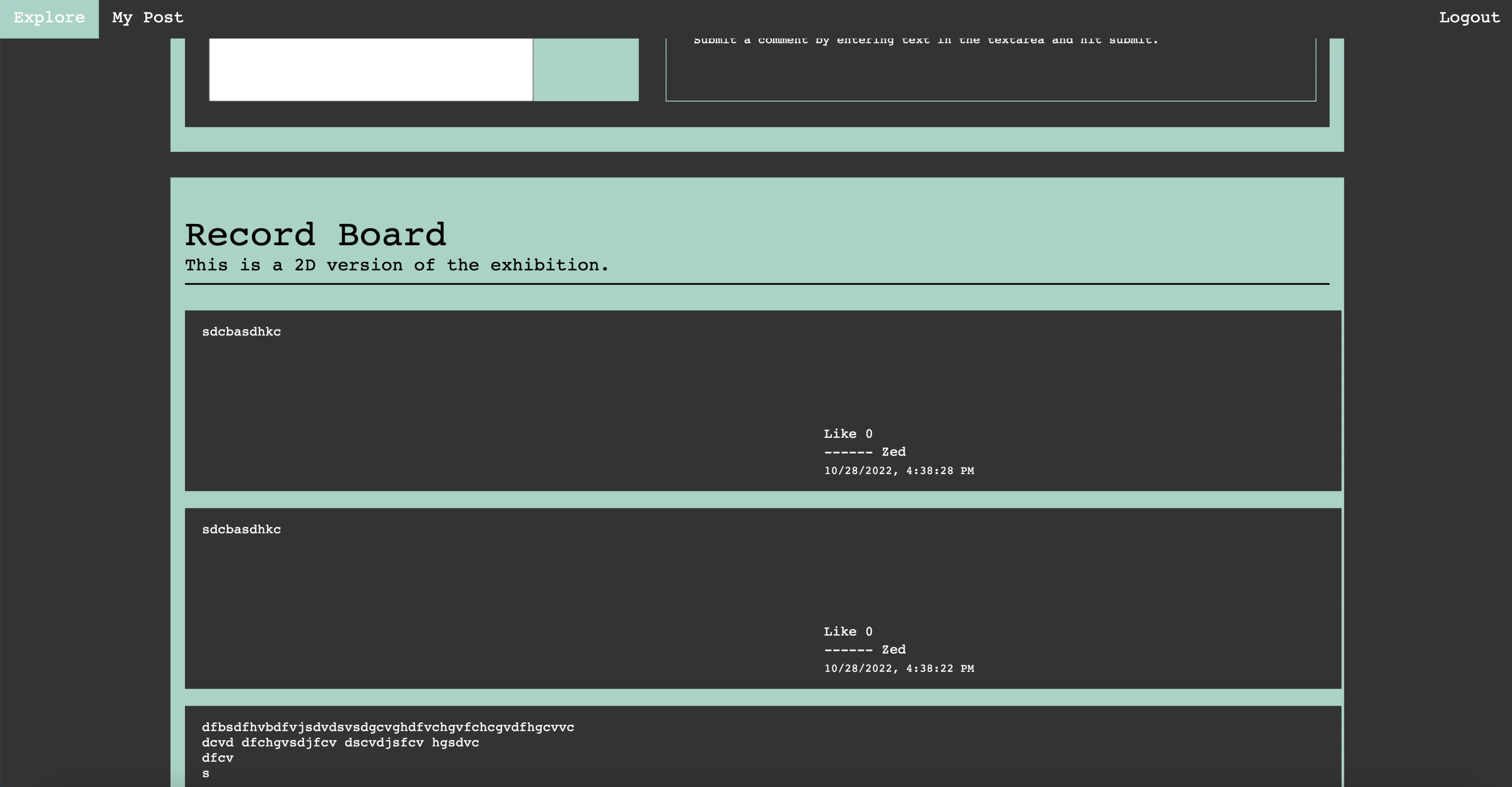
Solution: Rendered the database data as DOM elements on the client page (a 2D record section) and had sketch.js read the data from the DOM. If the 3D forum and 2D record are on separate pages, data can be read from a .txt file exported from the database.
3. Client Side Receiving Data as NodeList
Problem: Strings from the database were being received as a NodeList, making it difficult to parse.
Solution: Used document.getElementsByClassName('comments') in the Chrome console to identify the correct structure and access the strings.
4. Posts Not Showing Line Breaks
Problem: Text posts lacked proper line breaks.
Solution: Replaced '\r\n' with '<br>' to render line breaks correctly in the DOM.
5. Order of Comments on Page Refresh
Problem: Comments displayed from oldest to newest after refreshing the page.
Solution: Changed the drawing order in the for loop and used .unshift to insert new comments at the beginning of the array instead of push.
6. Sending Data to the Database Without Page Redirection
Problem: Form submissions redirected the page after sending data to the database.
Solution: Sent an empty content response to the client side to prevent redirection and allow seamless post submissions.